Upload your classroom photo
Use a clear JPG or PNG of the space you want to explore. Shoot from the back or a corner so desks, boards, and windows are visible.
Upload a classroom photo and explore new layouts and decor with AI classroom design. Generate previews in the browser, compare directions, and plan your next refresh before you order furniture or paint.
Use the studio above for Interiors workflows tuned to learning spaces. New users receive free signup credits to try generations.
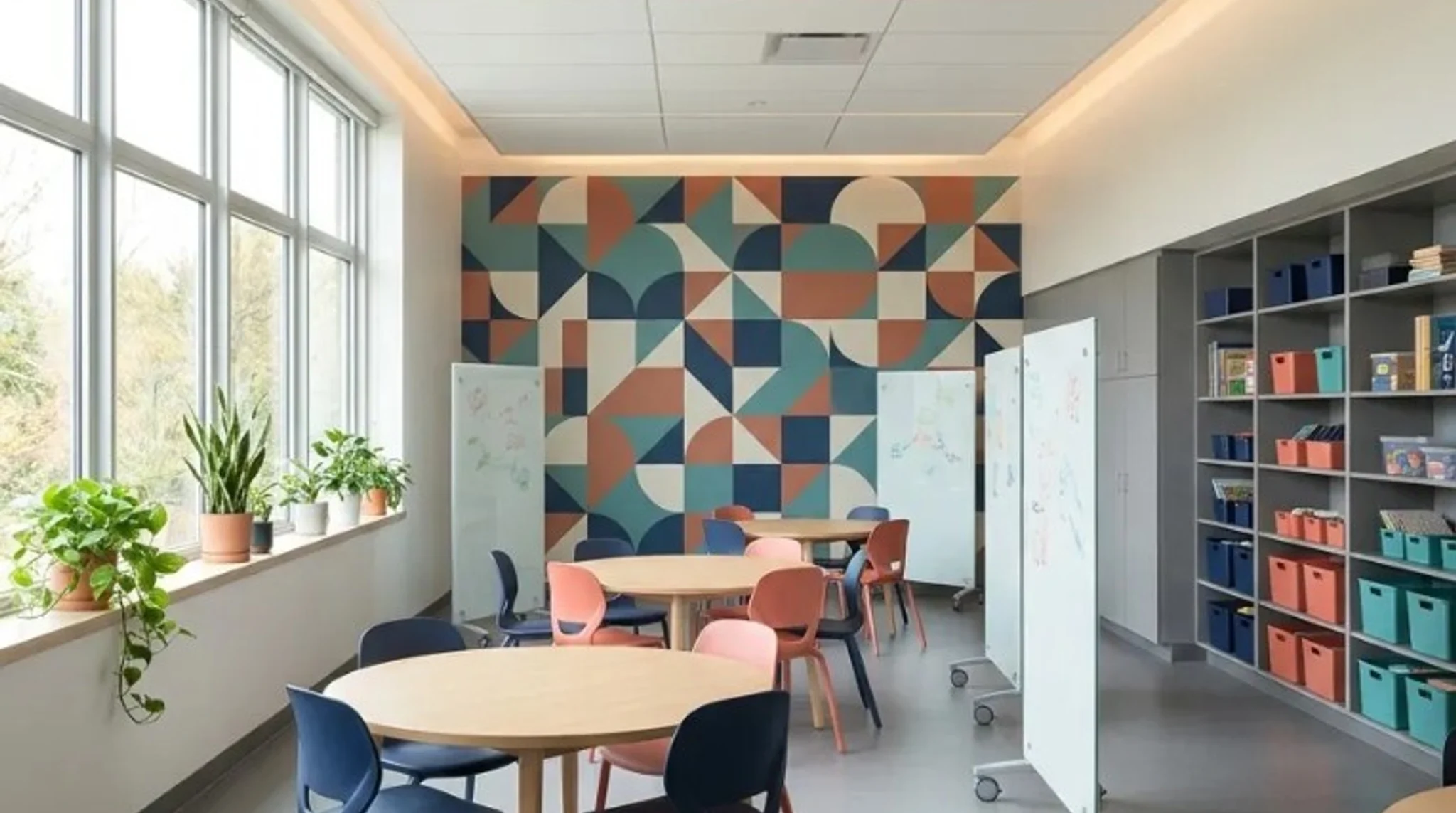
Sample learning-space directions—pick a look, then upload your classroom photo for AI classroom design in the studio above.


Turn one classroom photo into layout and decor concepts you can compare before you order furniture, paint, or displays.
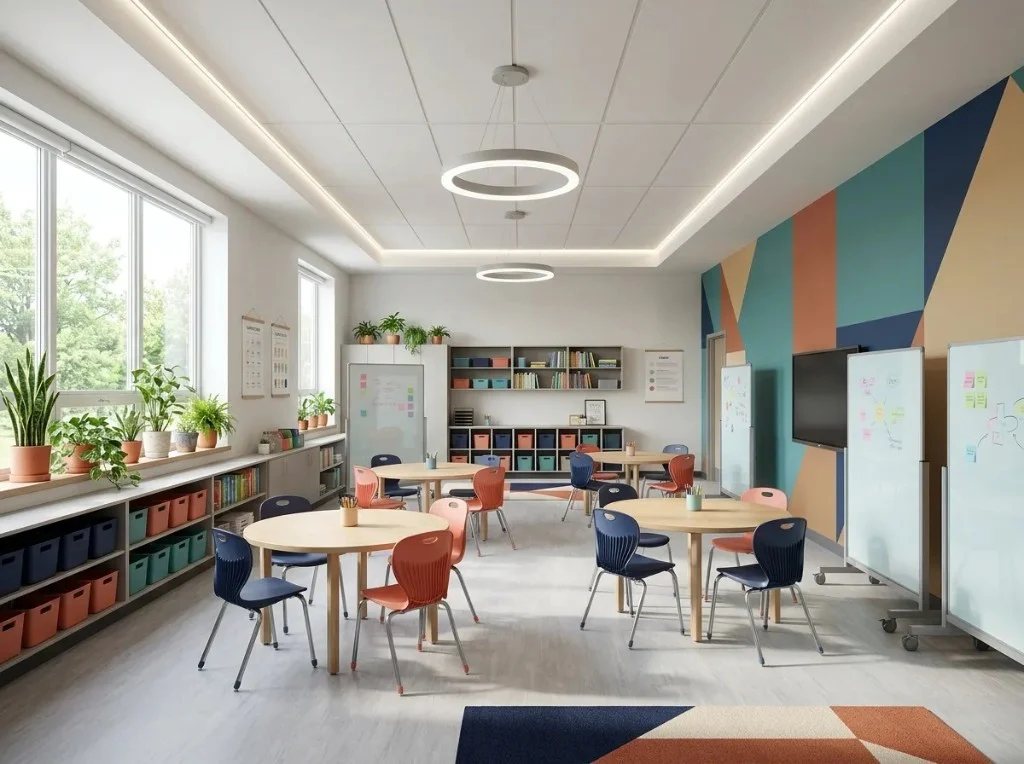
Upload a classroom photo and run Modern, Scandinavian, or bright contemporary presets with AI classroom design. Compare previews before you request furniture quotes or paint bids.
Explore classroom ideas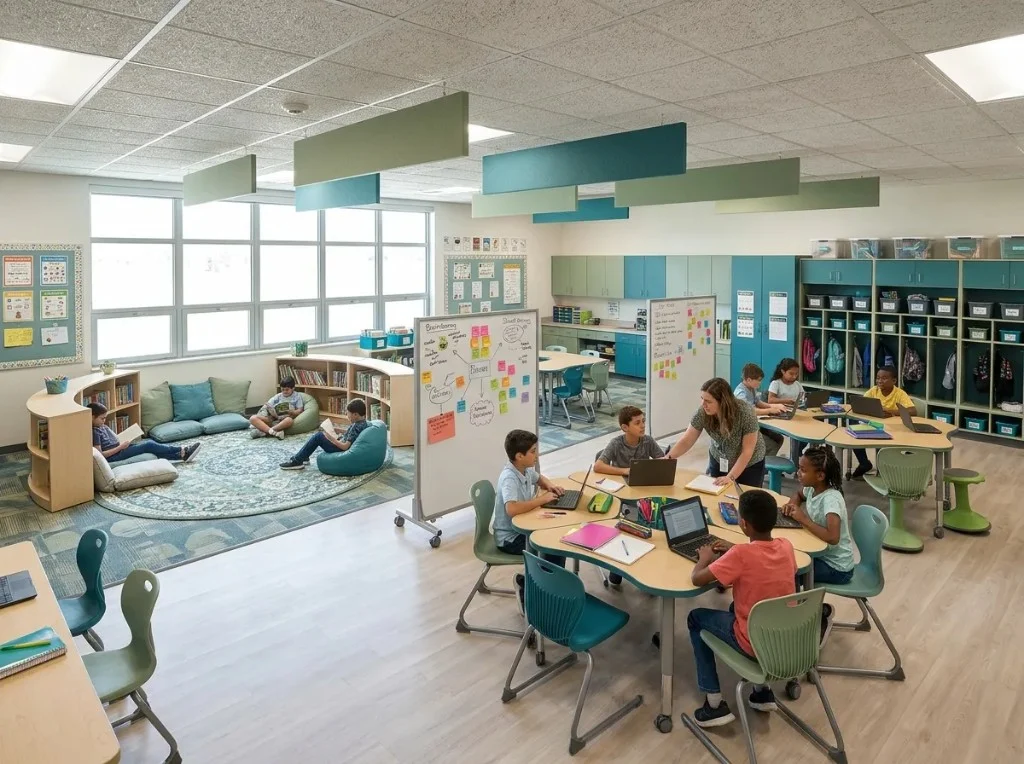
Explore desk clusters, reading corners, and collaboration zones. Outputs are visual concepts—not measured floor plans or code-compliant layouts.
Upload classroom photo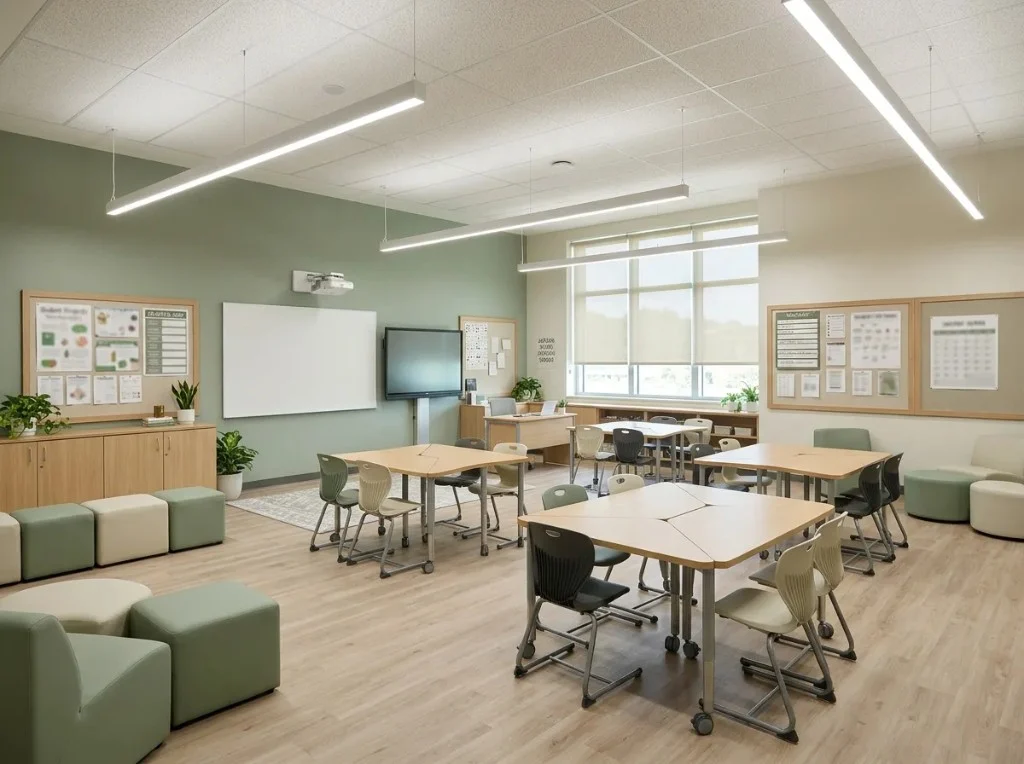
Generate a few AI classroom design directions on your own photo, then use favorites in committee meetings or donor presentations.
Compare stylesUpload a photo, choose a style, generate a preview, and download results to share with staff or stakeholders.
Use a clear JPG or PNG of the space you want to explore. Shoot from the back or a corner so desks, boards, and windows are visible.
Pick Modern, Scandinavian, Contemporary, or another preset in the browser to steer the AI classroom design result.
Click Generate to spend credits and see a new look. Layout and seating may change—treat output as inspiration, not a certified plan.
Save favorites, try another style, or share images with colleagues before you order furniture or paint.
K–12 rooms, labs, libraries, and training spaces—start from your real photo, not a generic Pinterest board.
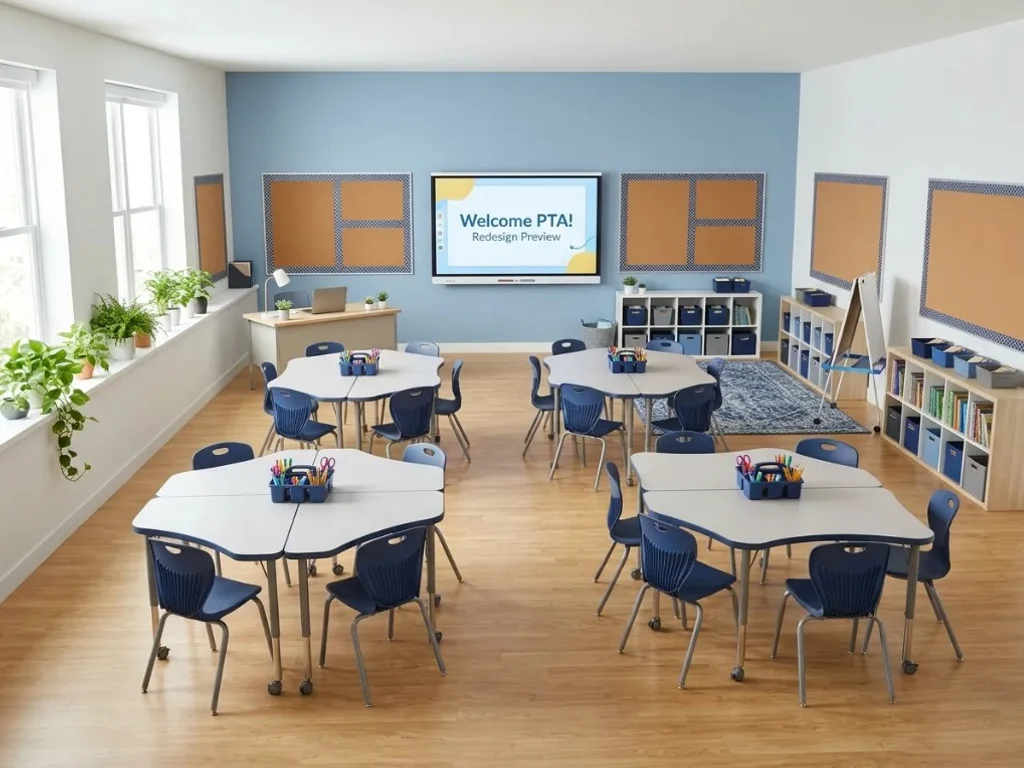
See bulletin boards, seating, and color on your room before PTA or admin approvals.
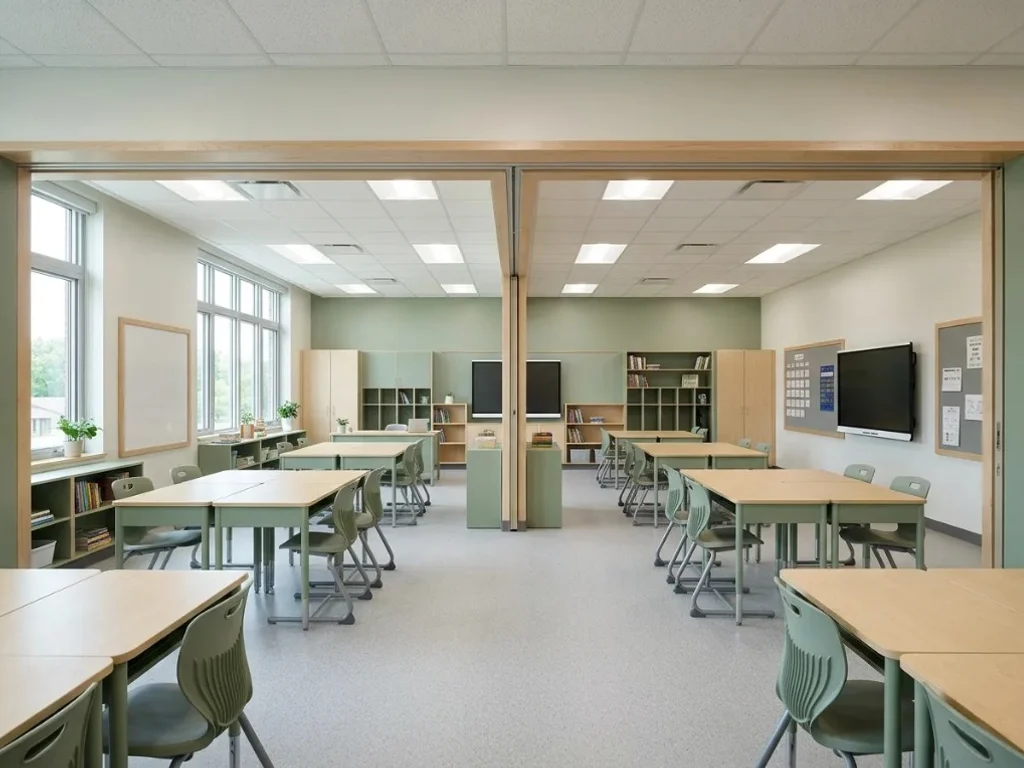
Run the same style brief across multiple classroom photos for consistency.
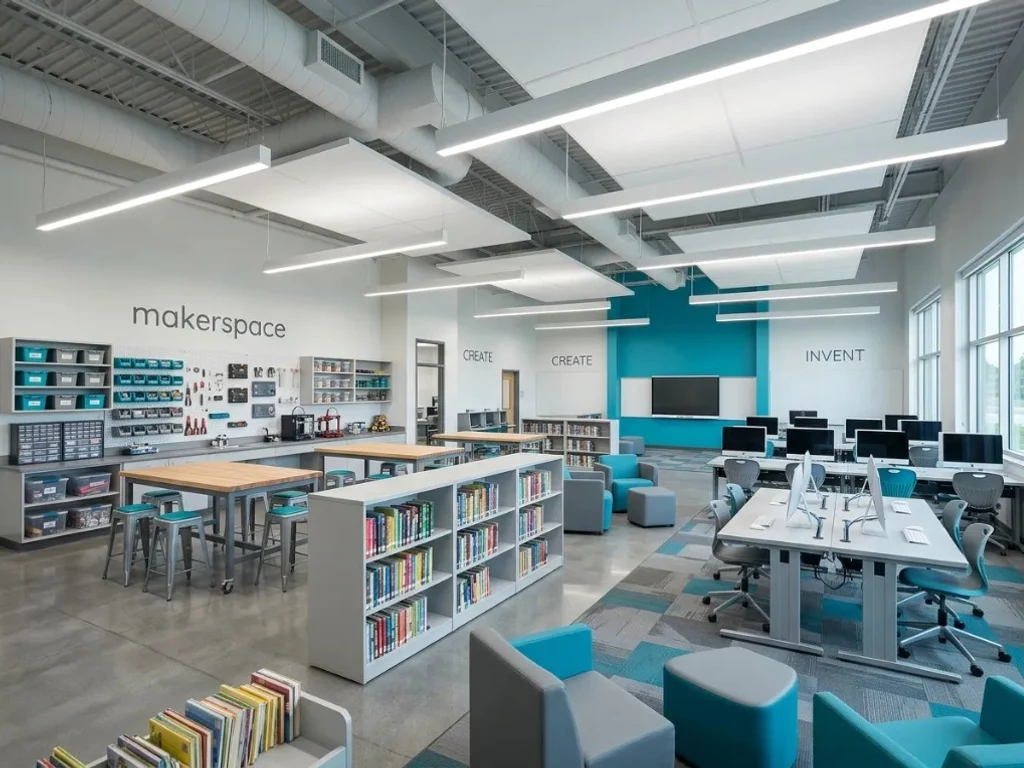
Try AI classroom design on makerspaces, computer labs, or media centers.
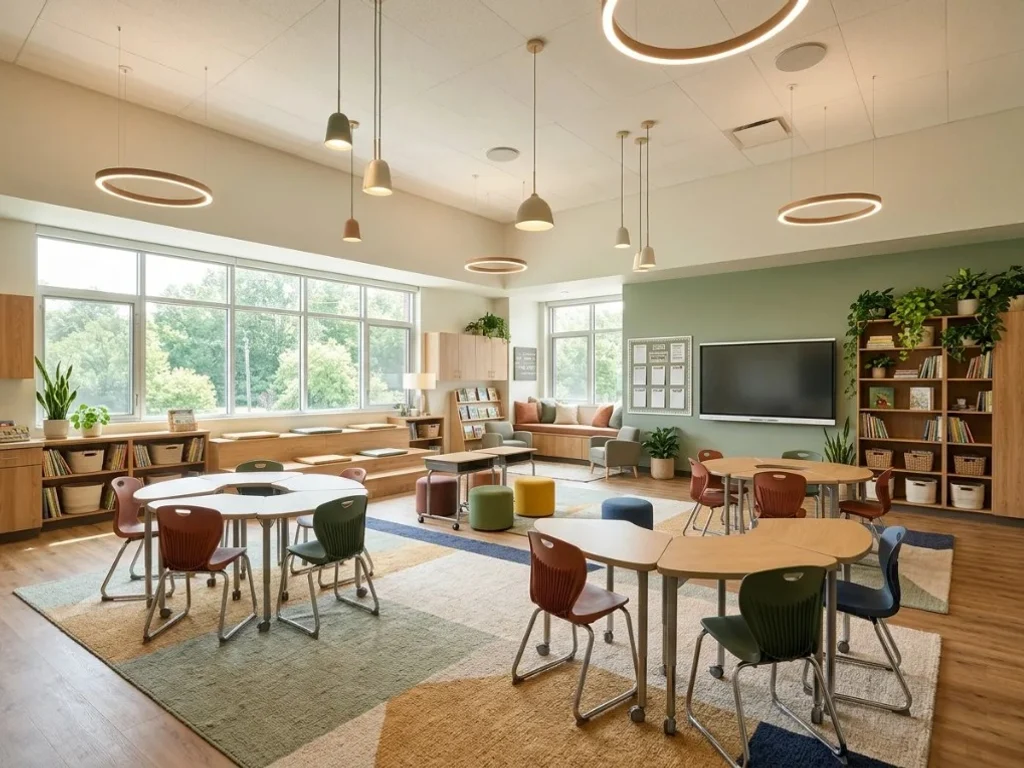
Share previews when fundraising for furniture, rugs, or technology upgrades.
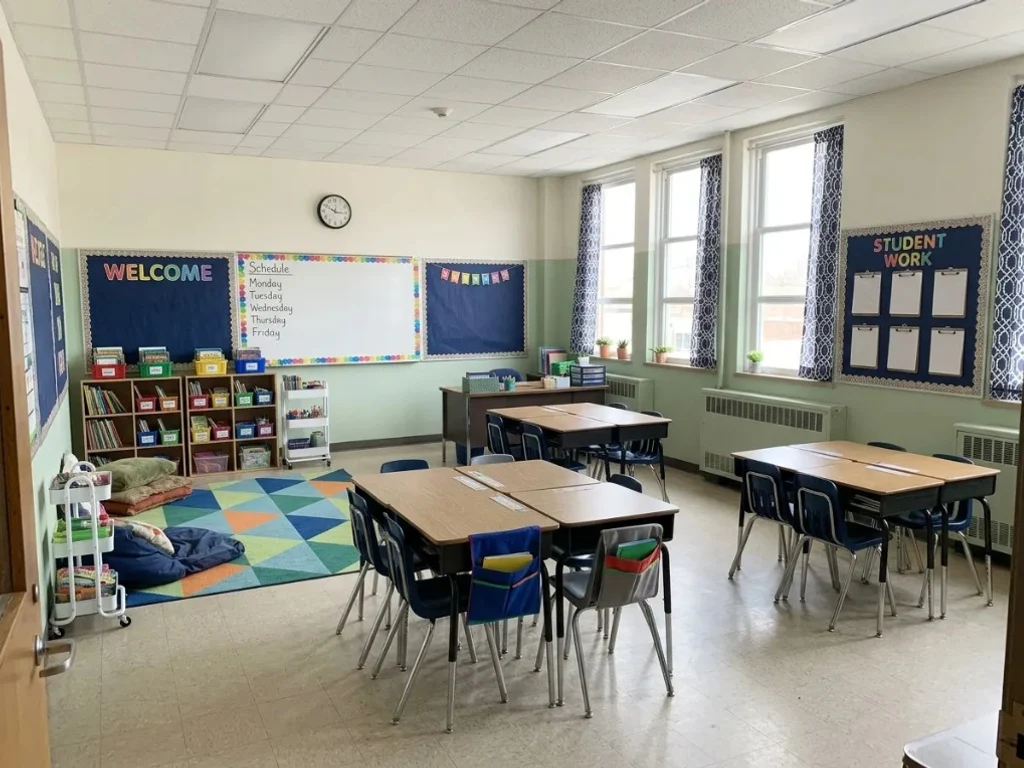
Test lighter palettes and simpler layouts when square footage is limited.
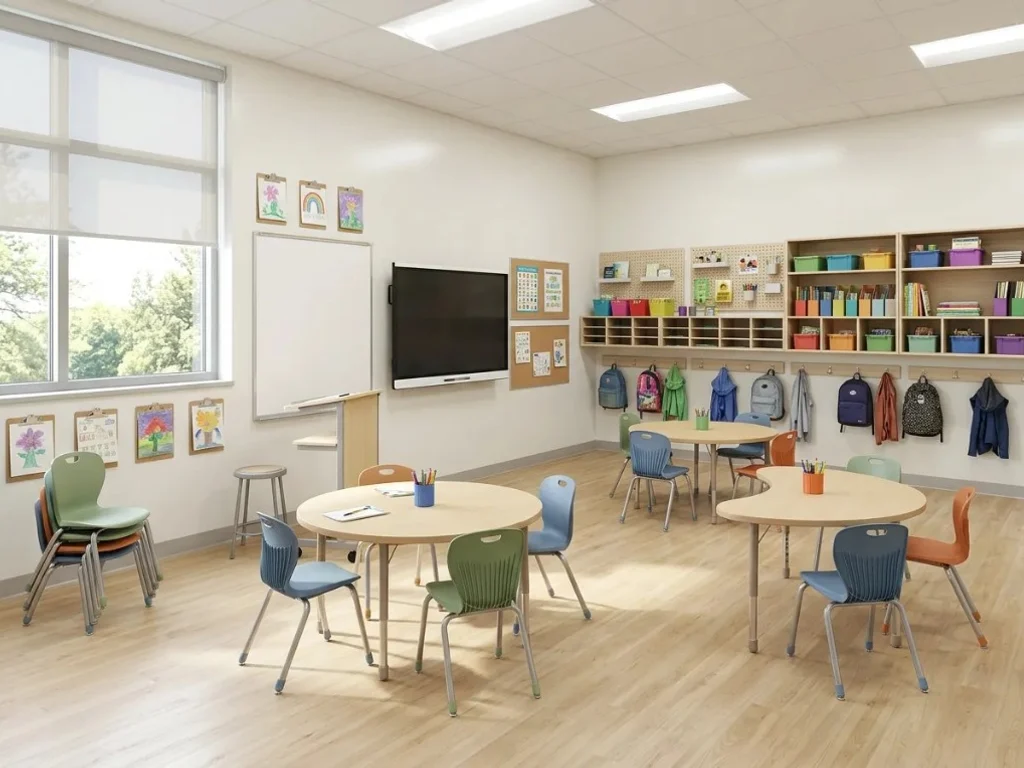
Swap styles on your classroom instead of generic education stock imagery.
Use the workbench above, or browse the inspiration gallery for more education-friendly looks.
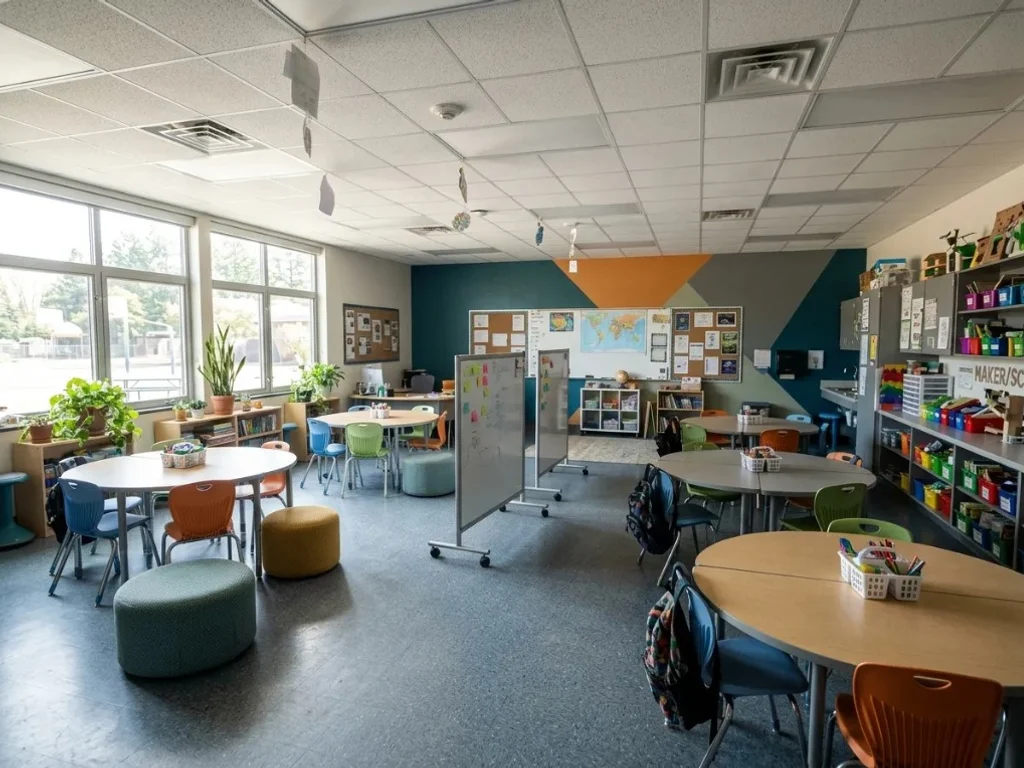
Clean lines, neutral walls, and flexible tables on your uploaded photo.
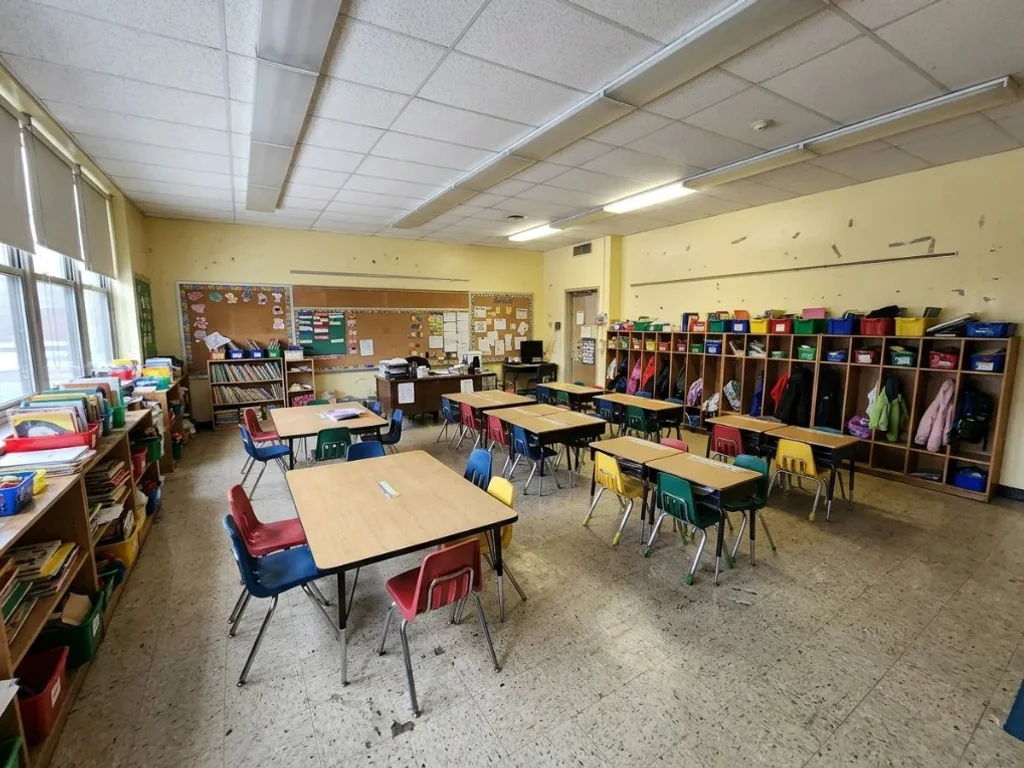
Softer palettes and simplified visuals for younger grades or study halls.
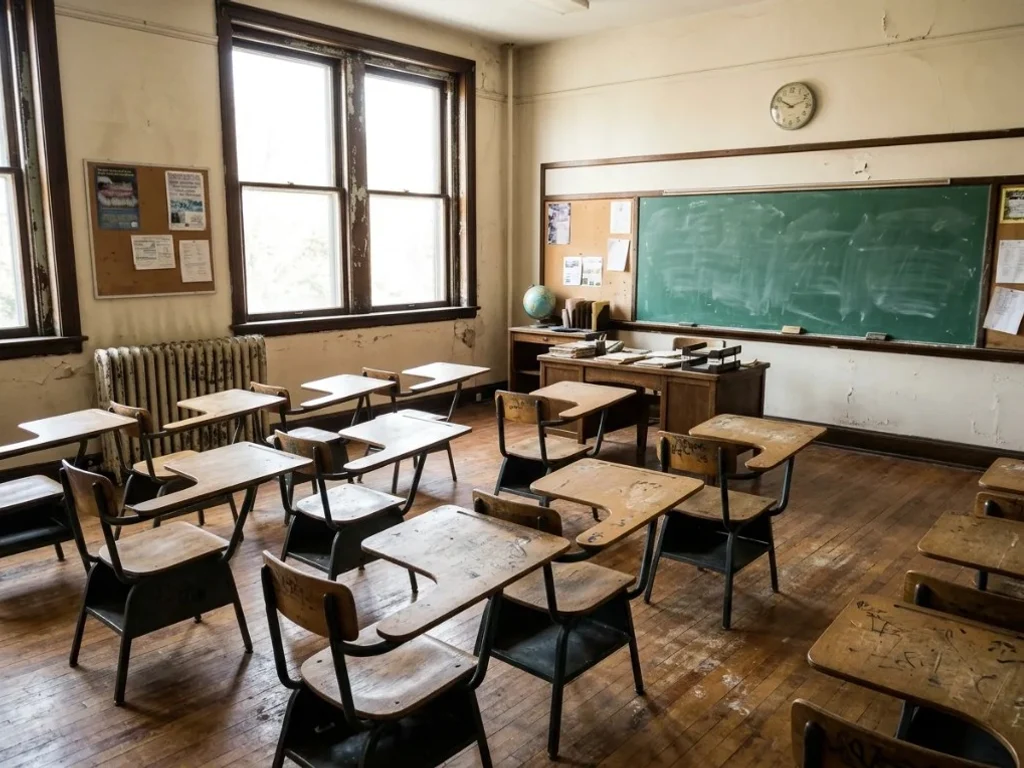
Wood tones and classic bulletin-board mood for established campuses.
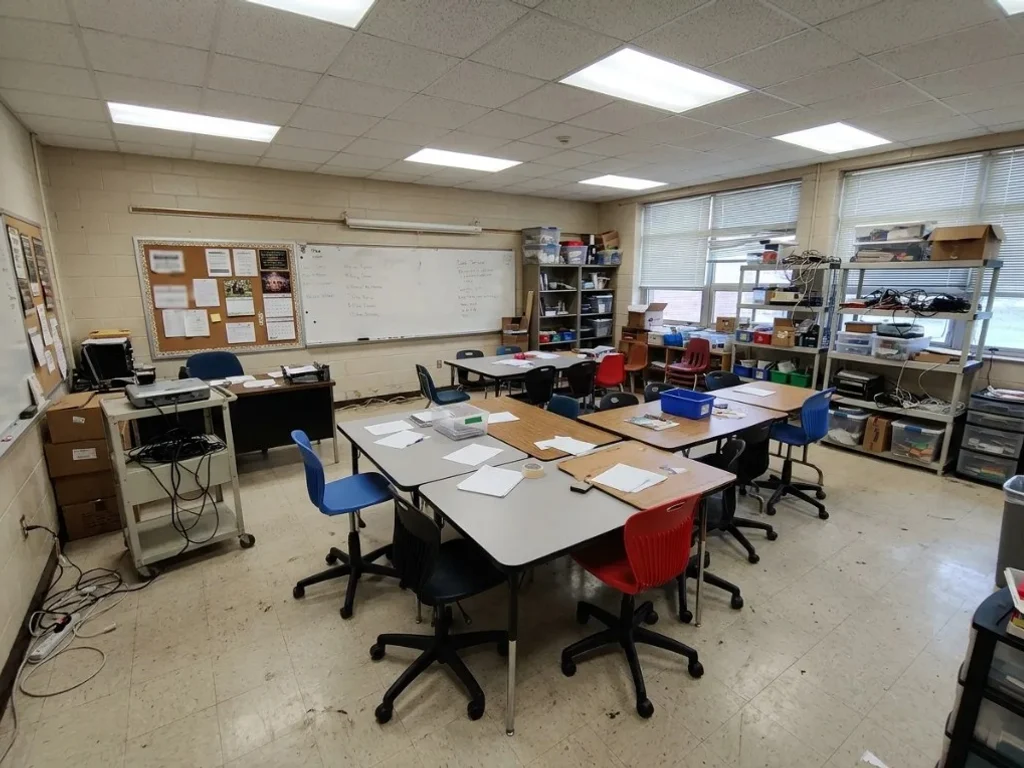
Browse the gallery, then return to apply a look to your classroom.
Dedicated studio pages for other room types—open one, upload a photo, and compare styles.
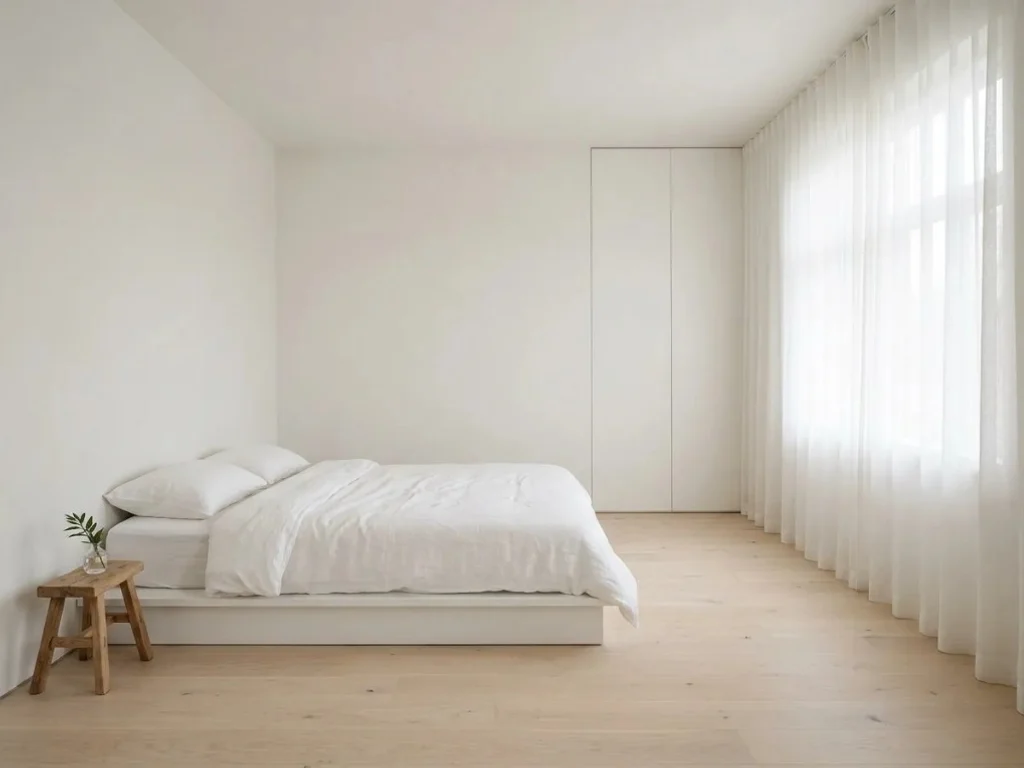
Explore living room and open-plan AI interior design ideas from your photo—compare styles before you redecorate.
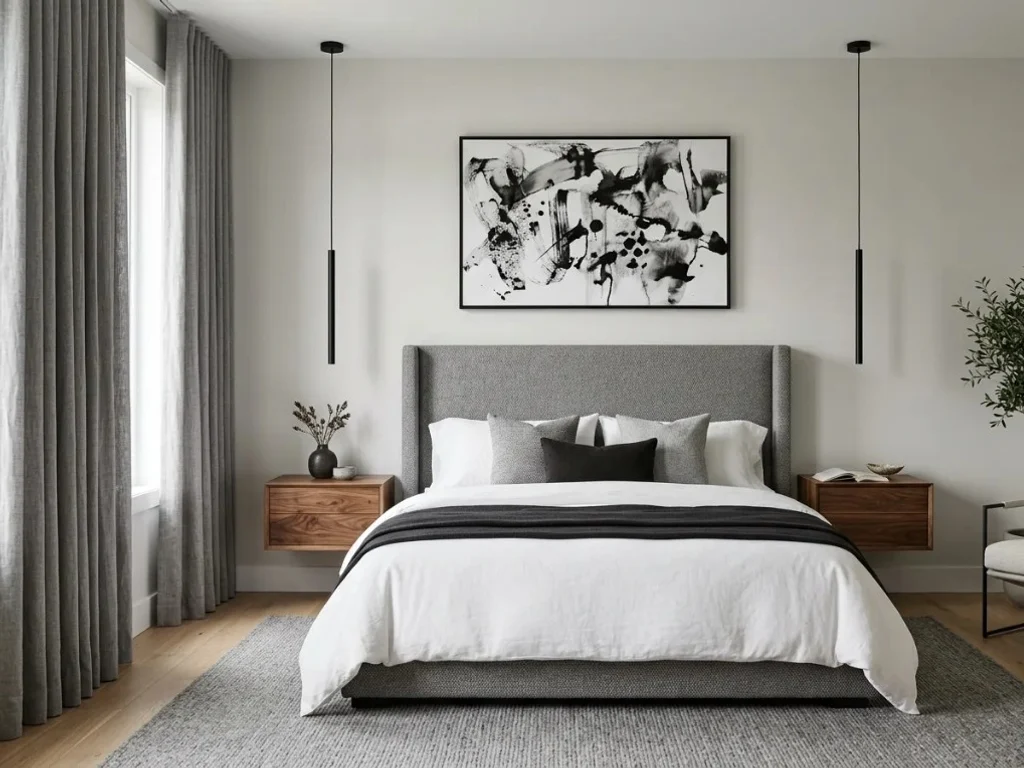
Upload a bedroom photo, preset Room Type to Bedroom, and compare styles before you buy furniture or paint.
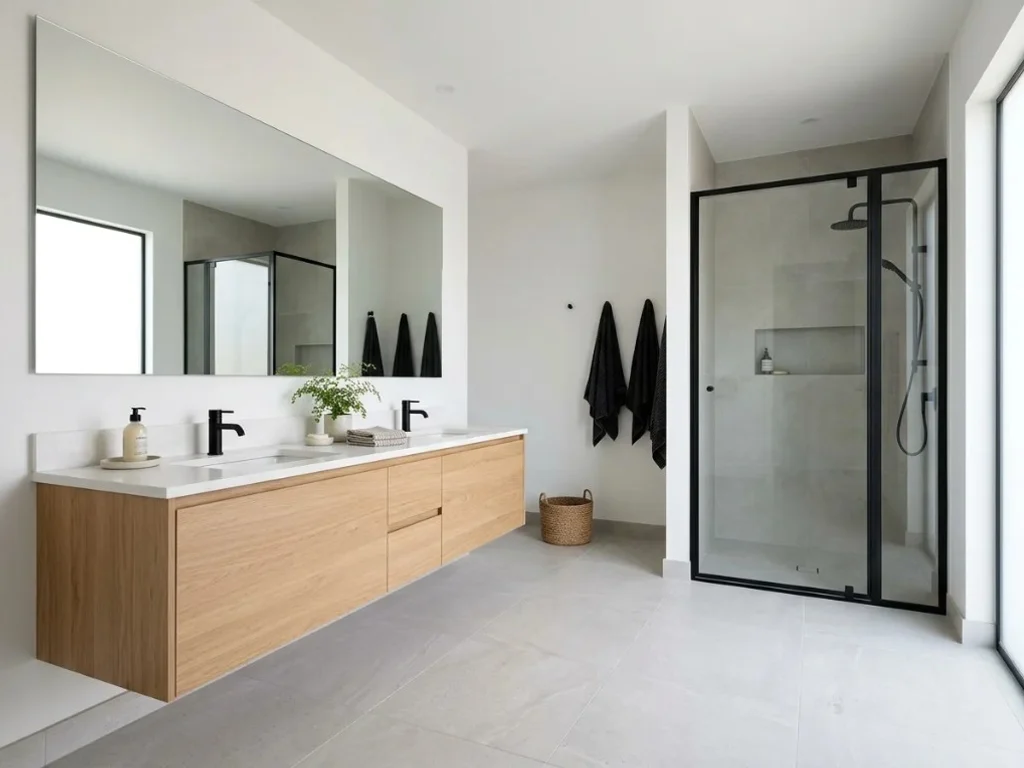
Try bathroom redesign AI on your own photo—tile, vanity, and lighting previews with Bathroom pre-selected.
Compare AI classroom design previews from your own photo—not only generic education boards. Results vary with photo, style, and settings.
Kitchen layout we agreed on.
We uploaded our galley kitchen and compared three styles in one evening. The before-and-after slider ended the debate with my partner.
Rental-friendly planning.
I tested rug sizes and sofa colors in our apartment without buying returns. The previews saved us a weekend of shopping mistakes.
Upload one photo, explore a style, and generate an AI classroom design concept before your next refresh or bond project.
Upload a photo · Choose a style · Generate your design
AI Classroom Design
Upload a classroom or learning-space photo, choose a design style, and generate a preview. Explore new layouts and decor before you buy furniture or paint.

