Upload your bathroom photo
Use a clear JPG or PNG—include vanity, shower or tub, and main walls. Open the studio, choose Interiors, and set Room Type to Bathroom for bathroom redesign AI.
Bathroom redesign AI in AI Room Redesign helps you upload a photo of your bath, choose an interior style, and generate a new design preview—without starting from a blank mood board.
Use the studio above with Bathroom already selected. Compare tile and vanity directions, download favorites, and plan your refresh before you order materials.
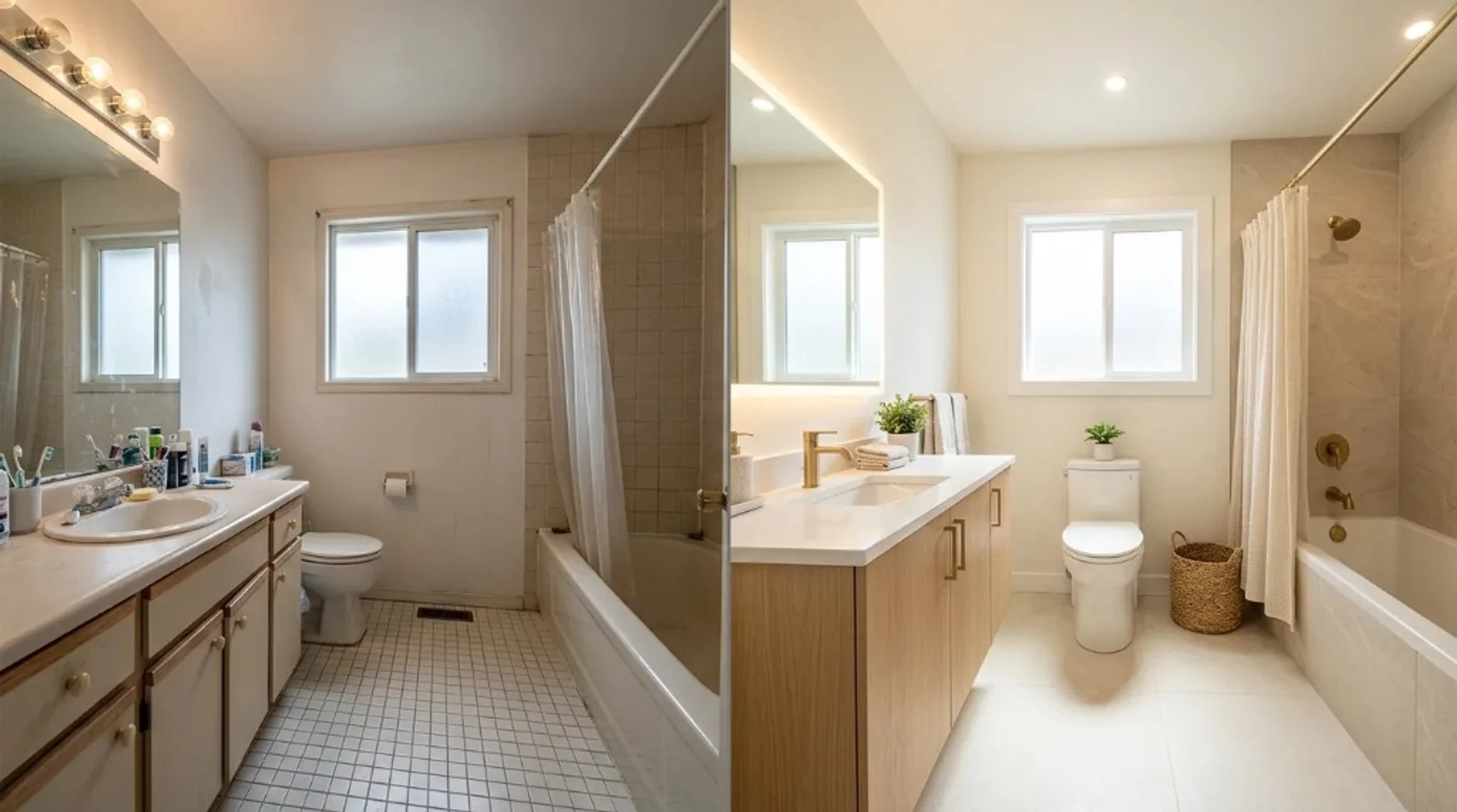
Sample bathroom directions—pick a look, then upload your own bathroom photo for bathroom redesign AI in the studio above.


Turn one bathroom photo into design concepts you can compare, save, and share before you shop for tile, vanities, or fixtures.
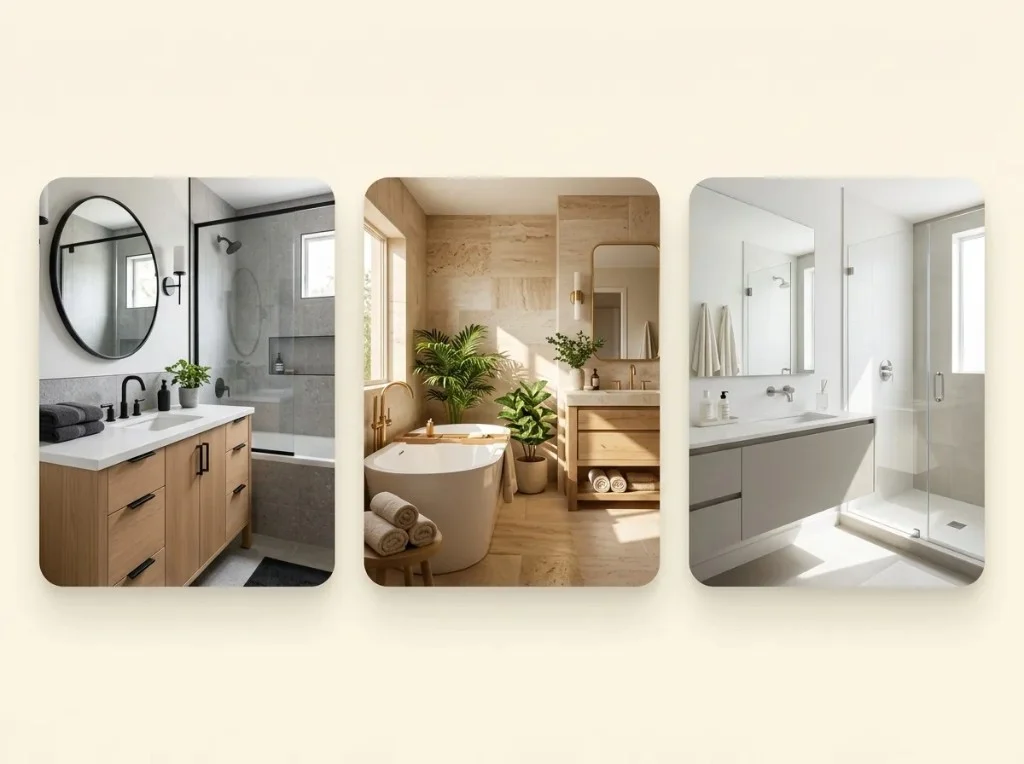
Bathroom redesign AI lets you upload your bathroom photo and run Modern, Minimal, or spa-inspired presets. Compare previews before you commit to vanity, tile, or lighting.
Start bathroom redesign AI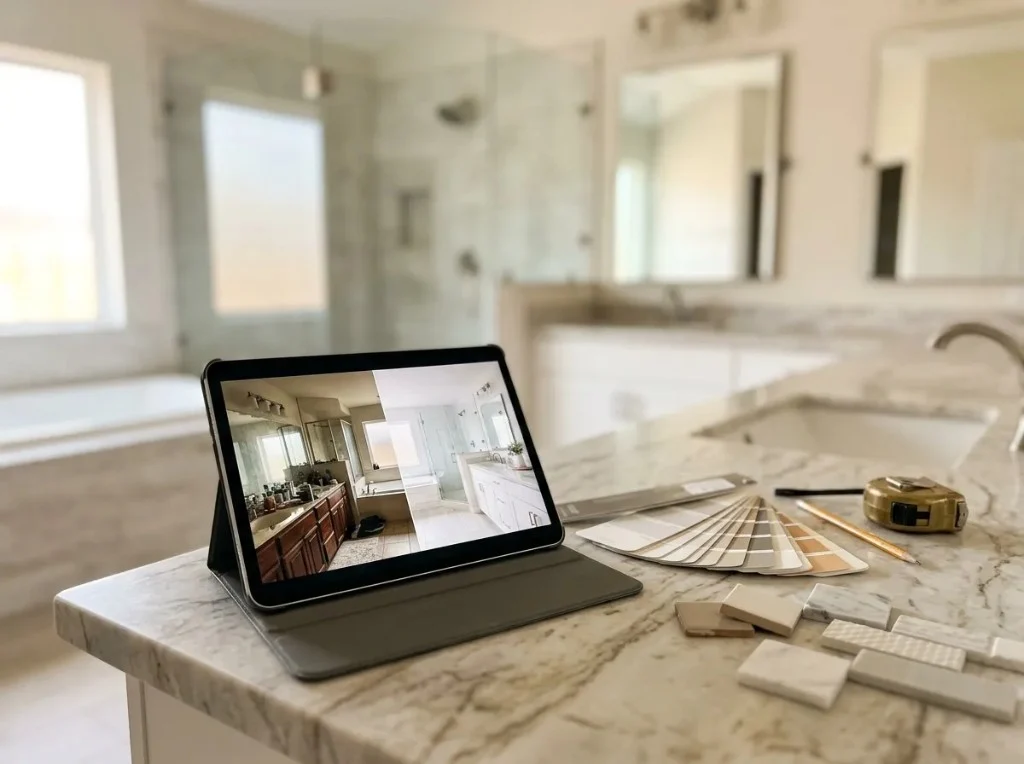
Use AI bathroom redesign previews to align on direction with a partner or contractor. Outputs are visual concepts—not plumbing plans or verified measurements.
Upload bathroom photo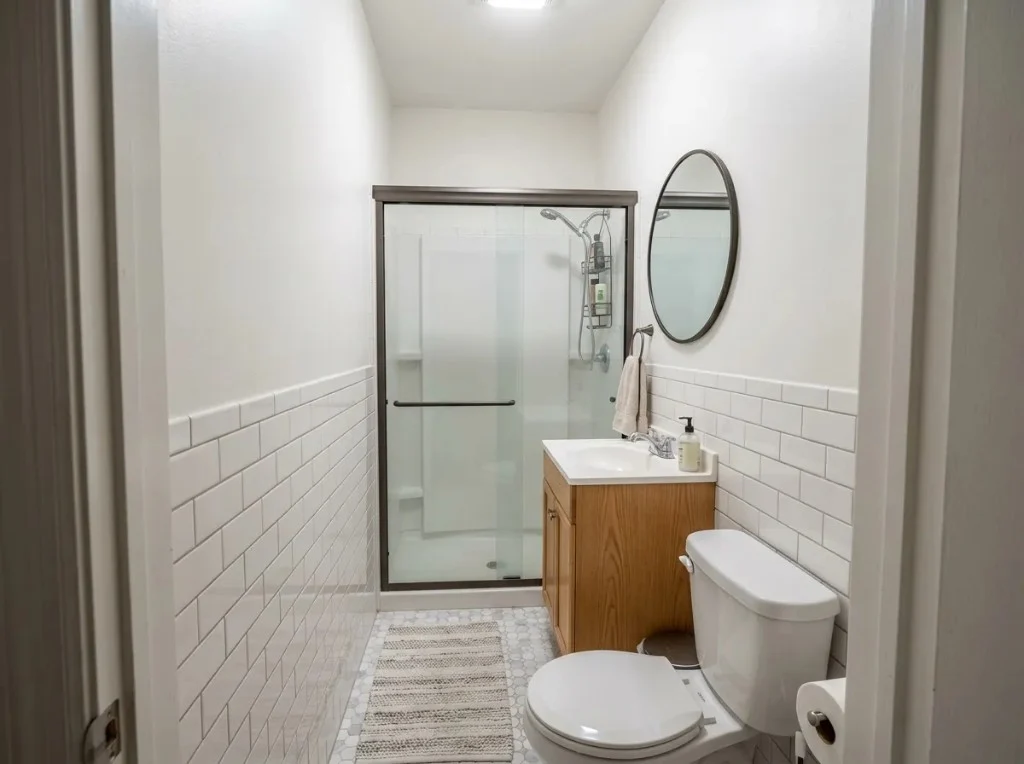
The same bathroom redesign AI studio handles small baths and guest powder rooms. Adjust style and lighting, then iterate until the preview feels right.
Open bathroom studioUpload a bathroom photo, choose a style, generate a preview, and download results to compare tile and vanity ideas.
Use a clear JPG or PNG—include vanity, shower or tub, and main walls. Open the studio, choose Interiors, and set Room Type to Bathroom for bathroom redesign AI.
Pick Modern, Minimalism, or another interior preset. Adjust lighting and optional notes to steer tile, fixtures, and mood.
Click Generate My Design to spend credits and preview a new look. Download favorites or try another style before you buy tile or fixtures.
Save previews to compare styles or share with a partner or contractor before you order materials.
Built for primary baths, powder rooms, and compact layouts—upload a real photo, not a generic board.
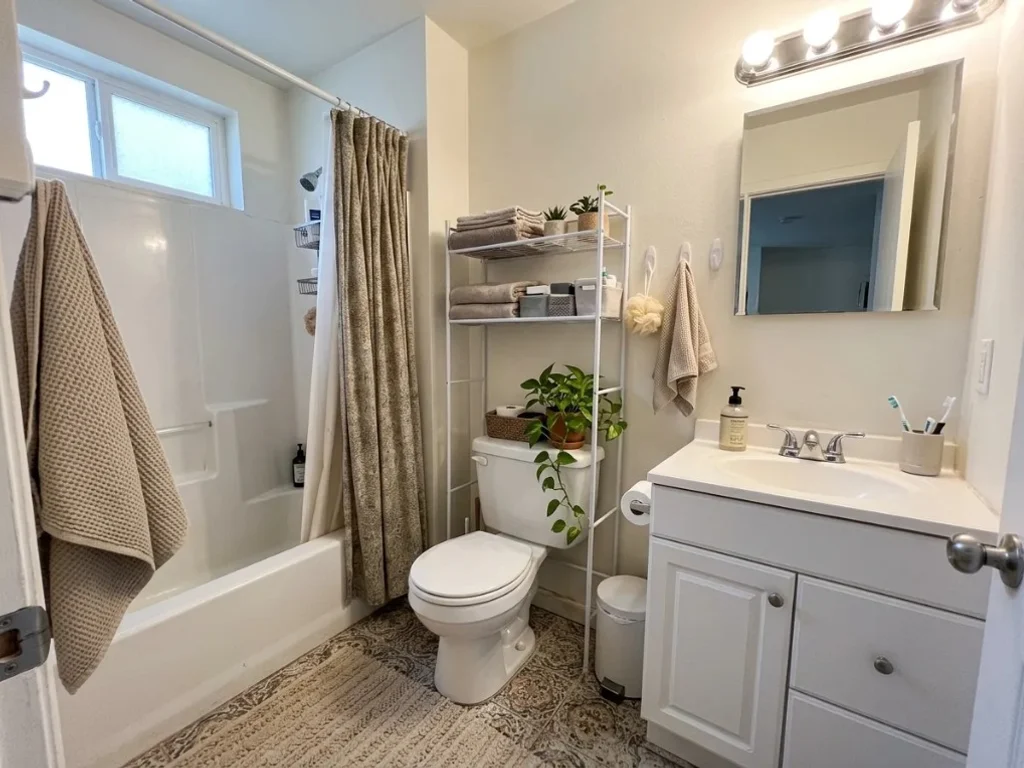
See vanity, tile, and lighting ideas on your actual bathroom photo before you shop.
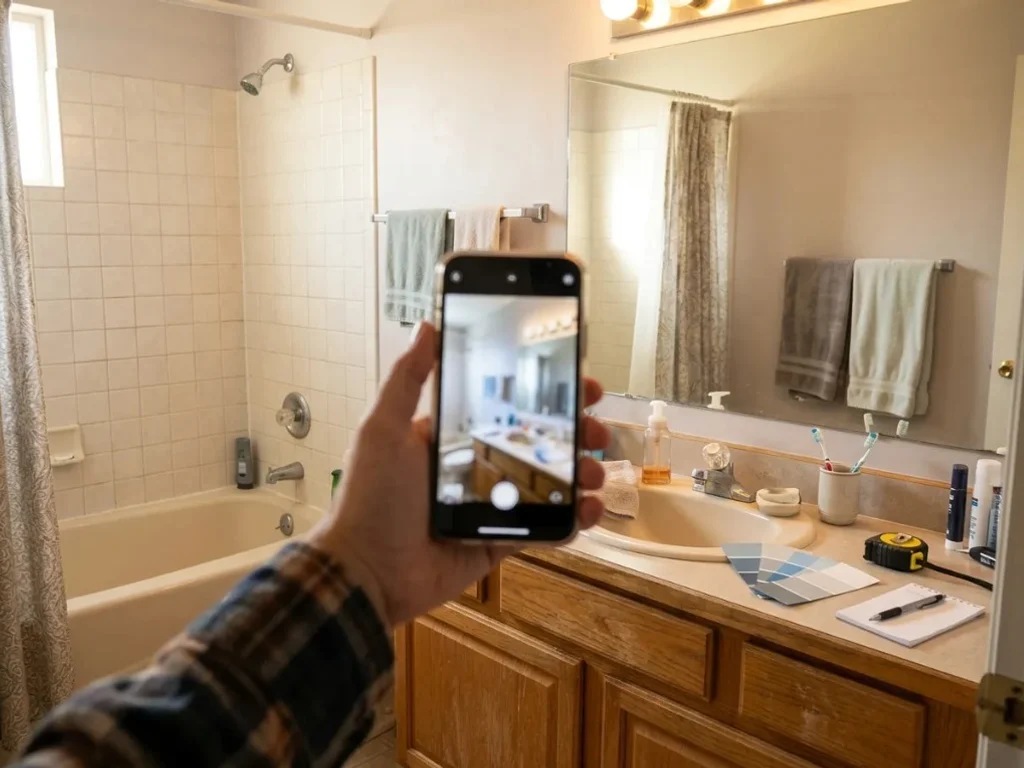
Explore bathroom redesign AI styles that work with existing walls and fixtures when you cannot remodel.
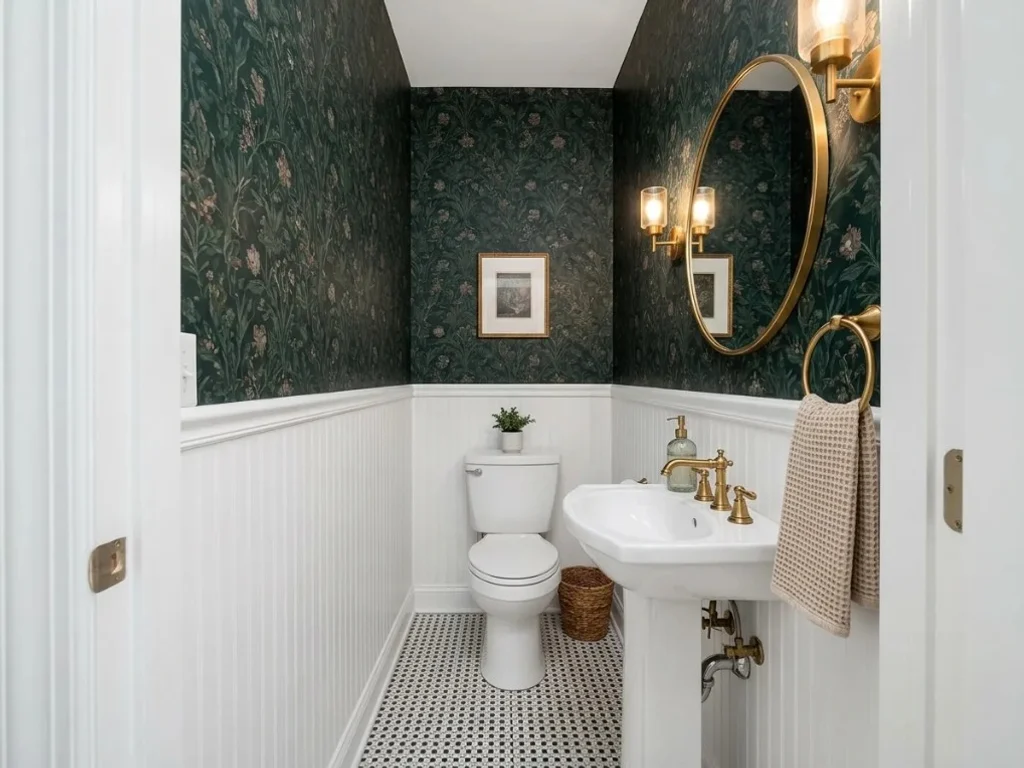
Visualize compact powder rooms from one snapshot—ideal for tight floor plans.
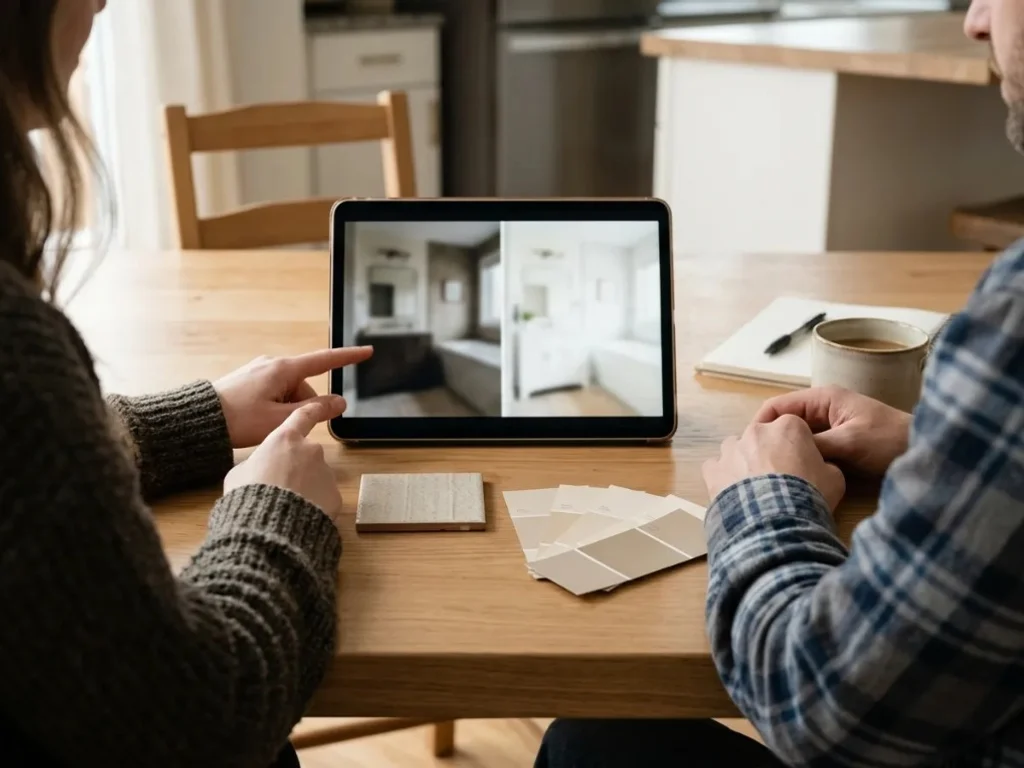
Share downloads to agree on tile and vanity direction before ordering materials.
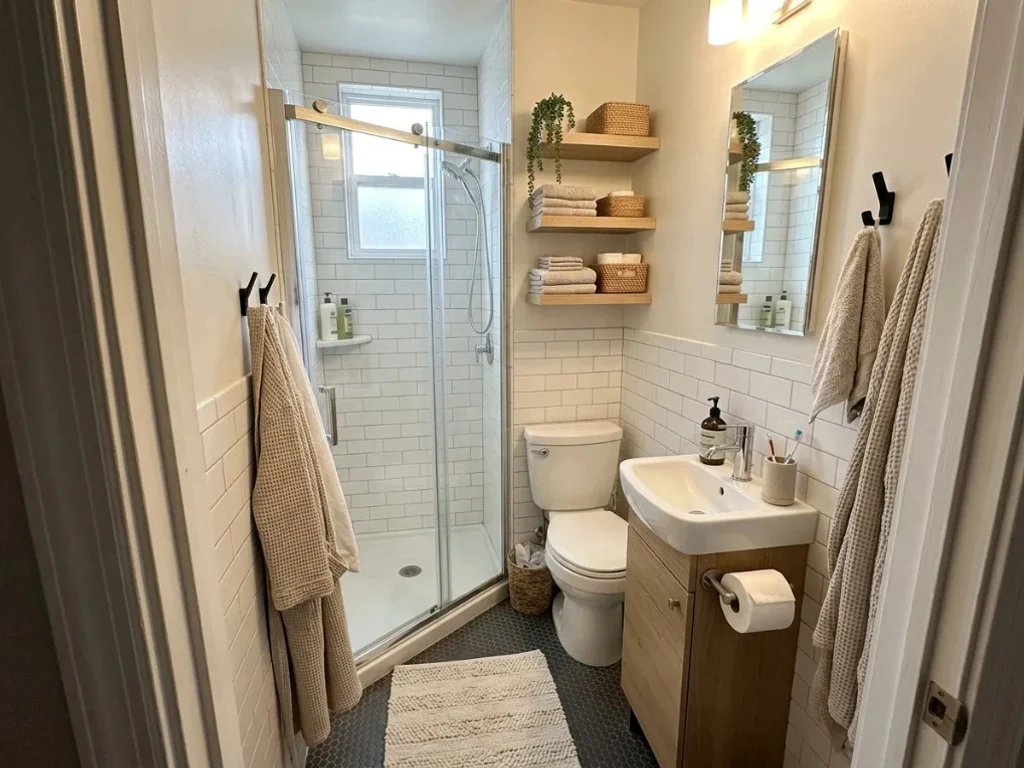
Test storage and layout ideas when square footage is limited.
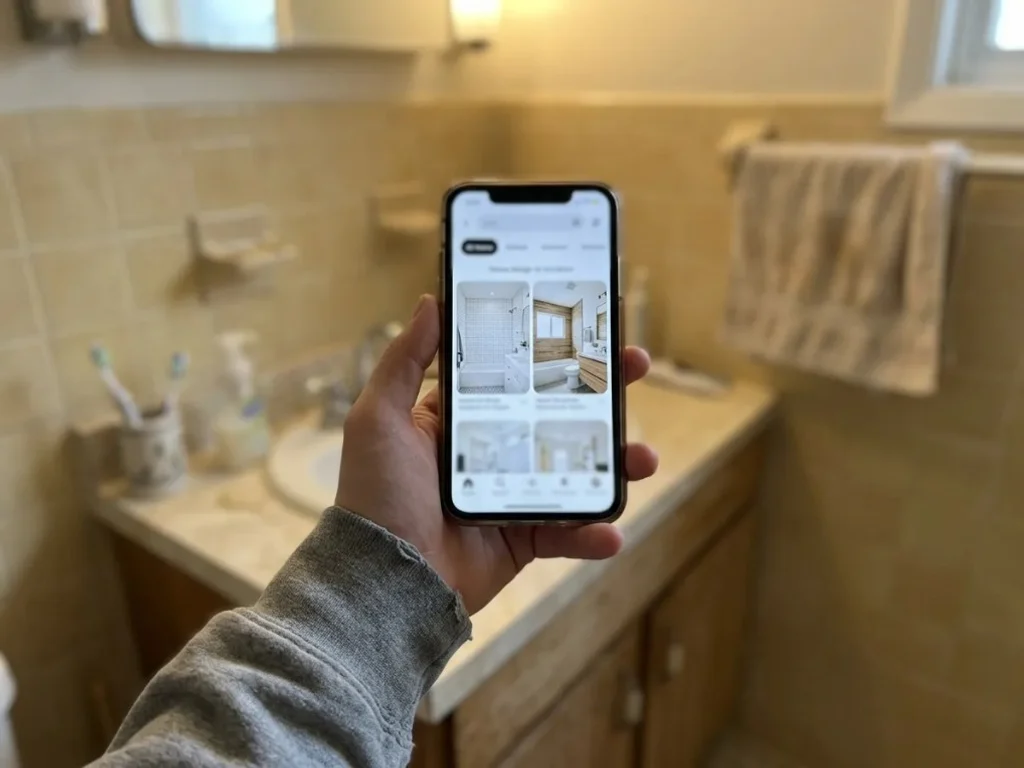
Swap styles on your photo instead of guessing from generic inspiration boards.
Start from the workbench above with Bathroom selected, or browse more ideas in the gallery.

Clean lines, neutral tile, and matte black or chrome accents on your uploaded photo.

Warm wood, stone textures, and soft lighting ideas for a calm bath.

Explore traditional vanity, subway tile, and polished fixture directions.

Browse the gallery, then return to apply a look with bathroom redesign AI.
Notes on comparing tile, vanity, and lighting ideas from a real bathroom photo before purchasing.
Kitchen layout we agreed on.
We uploaded our galley kitchen and compared three styles in one evening. The before-and-after slider ended the debate with my partner.
Rental-friendly planning.
I tested rug sizes and sofa colors in our apartment without buying returns. The previews saved us a weekend of shopping mistakes.
Your next bath refresh can start with one photo. Upload your space, explore styles, and generate previews with bathroom redesign AI in AI Room Redesign.
Interiors · Bathroom
Upload a photo · Choose a style · Generate your design
Bathroom Redesign AI
Upload a photo of your bathroom, choose a design style, and generate a preview. Bathroom redesign AI helps you explore tile and vanity ideas without starting from scratch.

