Best AI Room Redesign Tools in 2026: Tested and Compared
October 16, 2026•5 min read
AI Room Redesign
Editor
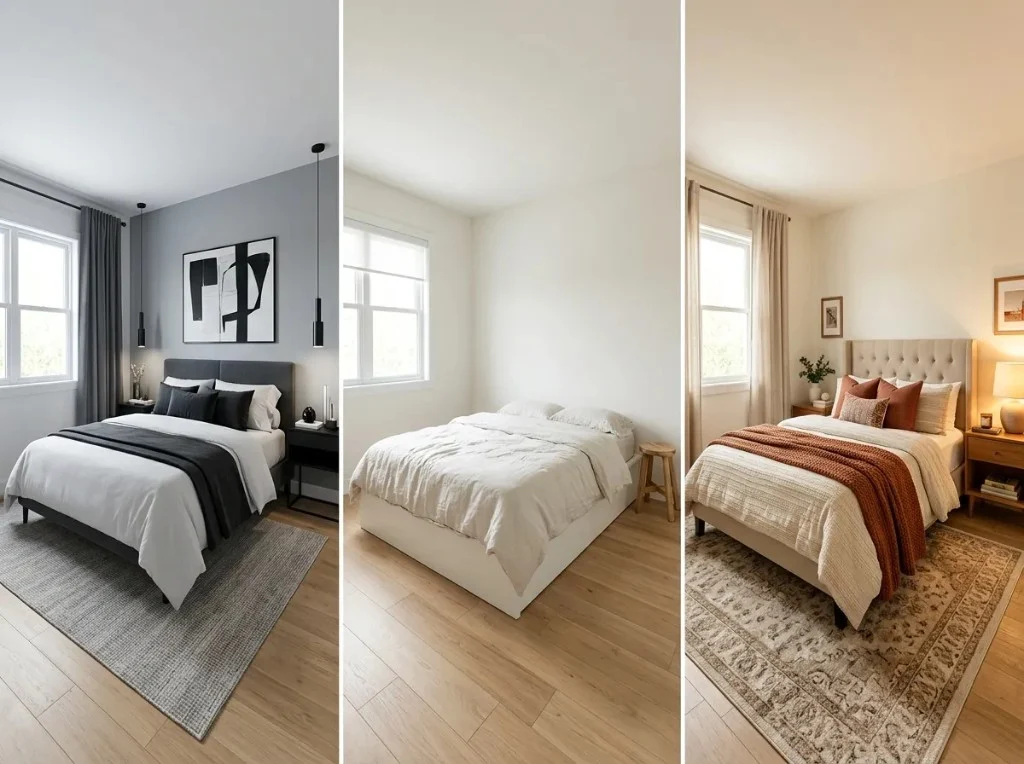
Best AI room redesign tools turn a photo of your real room into styled previews so you can explore layouts, colors, and furniture direction before you spend money. They help renters, homeowners, and listing agents — but they are mood-board tools, not replacements for measured drawings or contractor plans.
This guide compares AI Room Redesign (our product), RoomGPT, REimagineHome, Interior AI, and Homestyler on photo upload, styles, free options, pricing notes, and fit. We do not claim a universal #1 winner; we show what each tool is good for and where our own same-photo benchmark adds evidence.
Quick Picks: The Best AI Room Redesign Tools
Snapshot before the deep dives. “Not verified” means we did not confirm that detail on an official page as of October 16, 2026.
| Tool | Best for | Photo upload | Free option | Key advantage | Main limitation |
|---|---|---|---|---|---|
| AI Room Redesign | One studio for interiors, exteriors, and gardens | Yes (JPG, PNG, PDF) | 2 sign-up credits (site Pricing, Oct 2026) | Room type + style presets, optional keep-furniture, 1K–4K output | Visual concepts only — not permit-ready plans |
| RoomGPT | Fast single-room try-on | Yes after Google sign-in | 1 free generation (/dream page, Oct 2026) | Minimal setup, pay-as-you-go credits | Interiors-focused; iteration needs paid credits |
| REimagineHome | Listing and staging workflows | Yes | 5 free designs for new users (pricing page, Oct 2026) | Real-estate oriented themes and staging | Monthly credit buckets; terms vary by plan |
| Interior AI | High-volume virtual staging | Yes (plan features) | No permanent free tier on homepage (Oct 2026) — verify promotions | Many styles, parallel renders, pro licensing tiers | Paid plans required for full workflow |
| Homestyler | 3D room planning plus AI-assisted styling | Yes — floor plan and room photo workflows advertised | Free account tier advertised; AI limits not verified Oct 2026 | Combines layout tools with AI room visuals | Heavier product than single-purpose photo redesign apps |
How We Evaluated These AI Room Redesign Tools
We combine official product pages (features, pricing, free tiers) with a completed hands-on benchmark for four tools on one bedroom photo and one interior modern brief. Homestyler is included from public product information only — we did not store a Homestyler output in that benchmark.
- Photo upload and room-type / style controls
- Visual quality and style match at default or documented settings
- Drift in walls, windows, doors, and camera angle vs the source photo
- Ease of upload → generate → download
- Free trial or sign-up credits (with verification date)
- Pricing model and value at typical homeowner volume
See step-by-step methodology and before/after files on our compare AI room redesign tools guide. We do not invent star ratings, user counts, or lab scores.
The Best AI Room Redesign Tools
Detailed look at each product — alphabetical by name, not ranked best to worst.
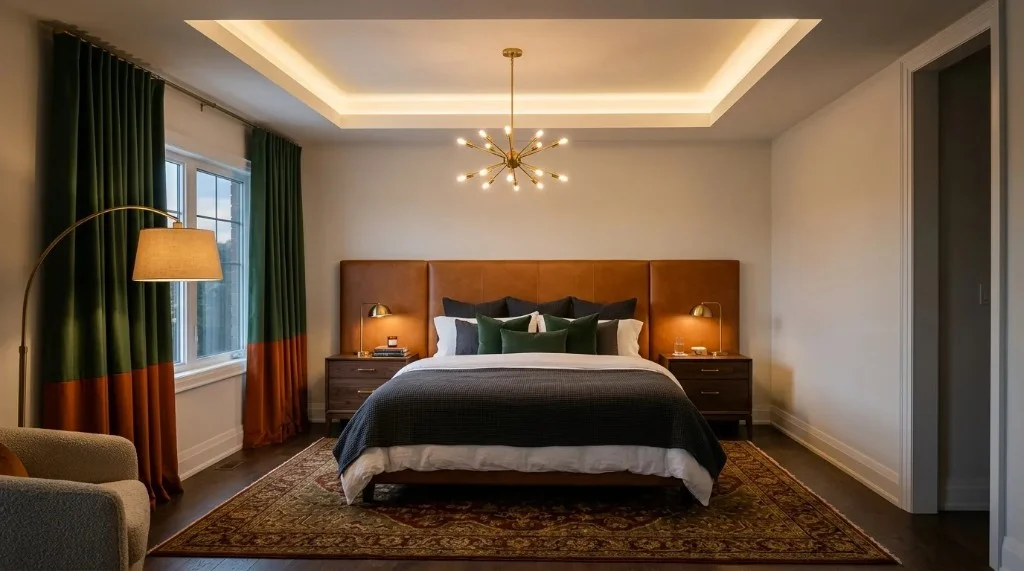
AI Room Redesign
Best for: Homeowners comparing styles from one photo workflowAI Room Redesign is our browser studio for turning a real room photo into styled previews across interiors, exteriors, and gardens — without claiming to replace measured design drawings.
Main features
- Upload room photos (JPG, PNG, or PDF) in the workbench
- Room type, design style, lighting, and optional custom notes
- Basic or Pro generation models with 1K–4K output sizes
- Optional keep-existing-furniture control for furnished rooms
What works well
- Trying several interior styles on the same upload before buying furniture or paint
- Bedroom, living, and other room types from one account
- Clear credit-based pricing on the site Pricing page
Limitations
- Outputs are inspiration images — not construction documents
- Layout and objects can still shift despite keep-furniture options
Pricing / free plan — 2 free credits after sign-up (Oct 2026 site copy). Credit packs and subscriptions on /pricing — confirm USD at checkout.
Who should use it — Renters, homeowners, and DIY planners who want quick style direction from their own photos and may also test exterior or garden tabs.
RoomGPT
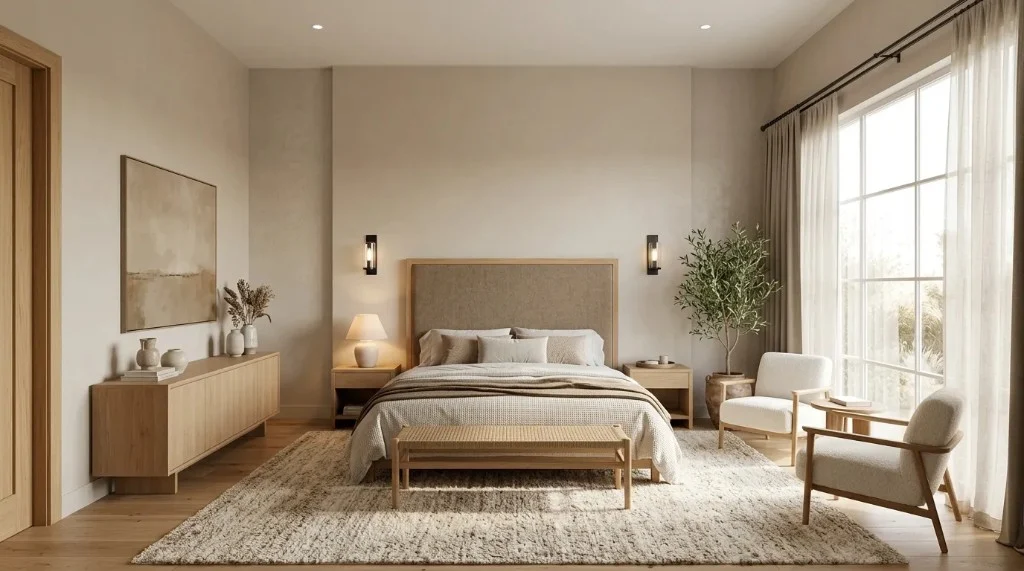
Best for: A single free render to test AI room redesignRoomGPT focuses on fast interior room photo redesign with Google sign-in and a small catalog of style presets — useful when you only need one quick comparison point.
Main features
- Photo upload on roomgpt.io/dream
- Preset-driven interior themes
- Credit packs without a subscription (fulfillment policy)
What works well
- Minimal friction for a first AI room makeover
- Simple pay-as-you-go after the free render
Limitations
- Interiors-only scope for this guide’s benchmark
- Smaller control surface than full staging suites
Pricing / free plan — 1 free generation for new Google accounts (Oct 2026 /dream page). Additional credits via buy-credits — verify live prices.
Who should use it — Users who want the fastest possible one-room experiment before paying elsewhere.
REimagineHome
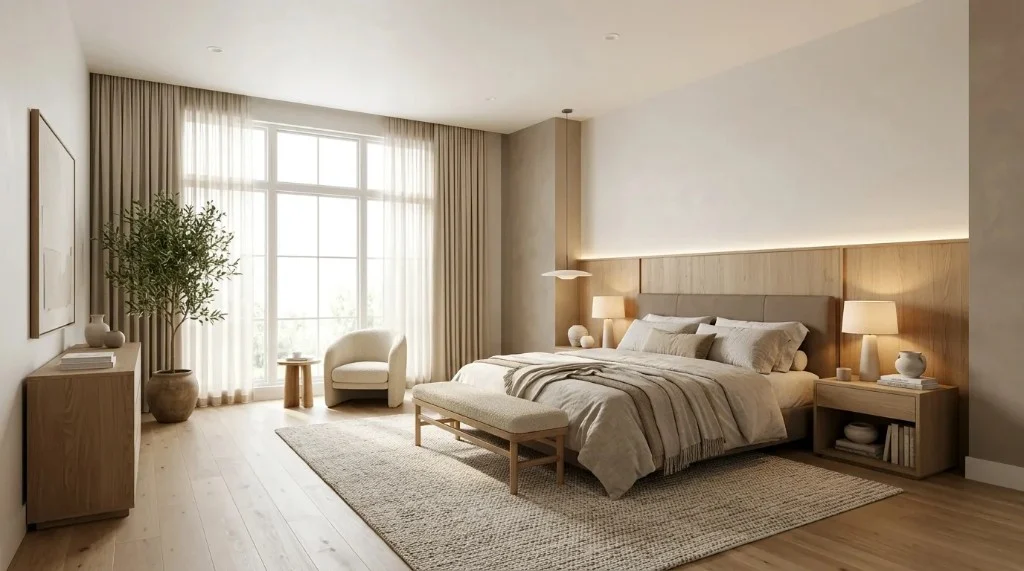
Best for: Real estate listing visualsREimagineHome targets property marketing with AI redesign and virtual staging themes — a practical RoomGPT alternative when listings need quick theme variations.
Main features
- Photo-based room and listing workflows
- Space types and design themes
- Credit-based generations with subscription tiers
What works well
- Several free designs for new accounts (Oct 2026 pricing page)
- Staging-oriented outputs for marketing
Limitations
- Credits consumed per generation
- Layout fidelity varies — treat as staging, not measured design
Pricing / free plan — From $14/month with monthly credit buckets (Oct 2026 pricing page). Confirm rollover rules on plan terms.
Who should use it — Agents and sellers who need fast visual variants on listing photos.
Interior AI
Best for: Professional staging volumeInterior AI bundles virtual staging, many style presets, and higher-throughput plans for creators who outgrow casual free tiers.
Main features
- Upload your own room interiors
- 55+ styles and custom prompts (per homepage, Oct 2026)
- Tiered plans with parallel render limits
What works well
- Polished marketing imagery when you already pay for pro tools
- Broad style catalog and remix workflows
Limitations
- No permanent free tier found on official homepage Oct 2026
- Not a substitute for architectural plans or permits
Pricing / free plan — Pro $49/mo, Premium $99/mo, Ultra $199/mo listed on interiorai.com homepage Oct 2026 — confirm when logged in.
Who should use it — Agents, photographers, and creators with recurring staging volume.
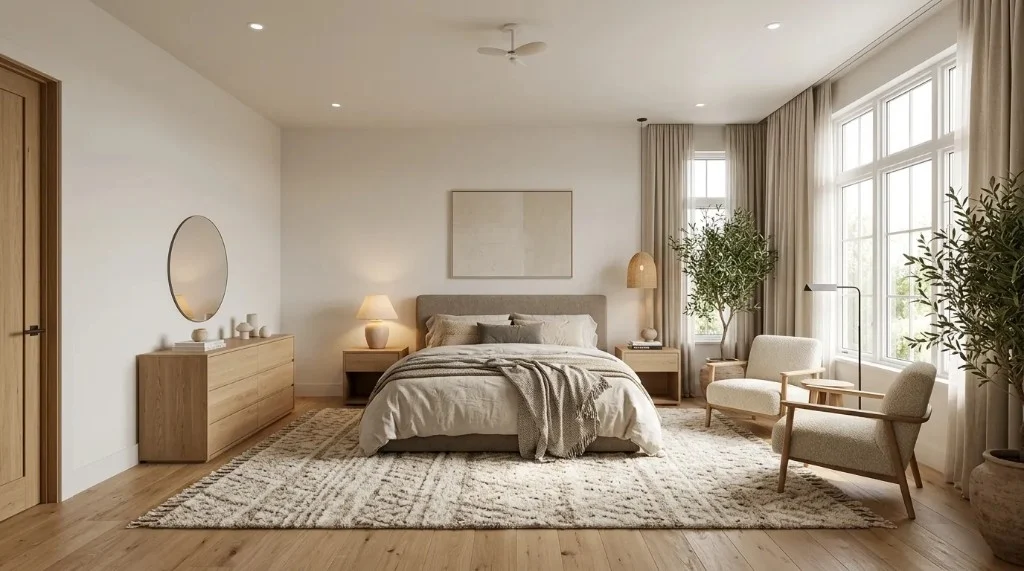
Homestyler
Best for: Layout planning plus AI room visualsHomestyler is a broader interior platform (3D layout, catalog furniture, AI assists) — relevant if you want room redesign adjacent to floor planning, not just a single-click render.
Main features
- Room and floor plan workflows on homestyler.com
- AI-assisted design features advertised on product pages
- Large furniture catalog for manual placement
What works well
- Users who may later need editable 3D layouts
- Free account entry point for exploring the ecosystem
Limitations
- Steeper learning curve than photo-only redesign tools
- AI limits and pricing for AI features not verified Oct 2026 — check site before relying on free AI
Pricing / free plan — Free tier advertised; paid upgrades for advanced features — verify on homestyler.com (not verified Oct 2026).
Who should use it — Planners who might combine measured layouts with AI styling rather than photo-only mood boards.
No stored benchmark image for this tool on airoomredesign.net — verify output on the official site with your own photo.
AI Room Redesign Tools Compared
| Tool | Photo redesign | Room types | Styles | Layout preservation | Free trial | Download | Pricing | Strengths | Limitations |
|---|---|---|---|---|---|---|---|---|---|
| AI Room Redesign | Yes | Interiors, exteriors, gardens (workbench tabs) | Presets + custom notes | Optional keep-furniture; not guaranteed | 2 sign-up credits | Per app / account settings | Credits + subscriptions (Pricing page) | One workflow for multiple scene types | Not CAD / permit output |
| RoomGPT | Yes | Interiors (primary) | Presets | Generative swap — no published lock | 1 free generation (Oct 2026) | Verify in app | Credit packs | Fast first test | Limited free iteration |
| REimagineHome | Yes | Interiors + listing/staging | Themes by space type | Staging-style; varies by photo | 5 free designs (Oct 2026) | Verify in app | From $14/mo + credits | Listing-focused | Credit consumption per render |
| Interior AI | Yes | Interiors / staging | 55+ (homepage Oct 2026) | No hard layout guarantee | Not verified permanent free | Plan-dependent | From $49/mo Pro | Pro throughput + licensing | Paid-first for full use |
| Homestyler | Yes (with 3D tools) | Planned rooms + photos | Catalog + AI assists | Manual layout separate from AI | Free account (AI caps not verified) | Verify in product | Freemium + paid (not verified) | 3D + AI combo | Heavier than photo-only apps |
Which AI Room Redesign Tool Should You Choose?
- Best for trying room redesign from a photo: RoomGPT (one free render) or REimagineHome (five free designs for new users, Oct 2026) — then AI Room Redesign if you want more room types with sign-up credits.
- Best for exploring different interior styles: AI Room Redesign workbench presets plus custom notes, or Interior AI if you already pay for a large style catalog.
- Best free option to start: RoomGPT’s single free generation or REimagineHome’s five-design trial — confirm live terms before you upload listing photos.
- Best if you care about preserving layout: Test AI Room Redesign’s keep-furniture toggle on your photo; none of these tools guarantee CAD-level layout lock.
- Best for realistic staging volume: Interior AI paid tiers — not verified as “most accurate,” but aimed at pro throughput.
- Best value vs price: Depends on how many renders you need per month; compare credit math on each pricing page after your free trial.
Browse real outputs in our AI room redesign examples and bedroom redesign landing before you commit.
Are Free AI Room Redesign Tools Worth It?
Free tiers are worth it for testing fit — not for furnishing an entire home. Expect account sign-up, limited renders, and possible resolution or watermark rules inside each app. RoomGPT and REimagineHome give enough free runs to judge quality on your own photo; AI Room Redesign grants 2 sign-up credits to explore the workbench; Interior AI may require payment for sustained use.
Paid plans usually add higher resolution, more parallel jobs, or commercial licensing. Verify download rights in each product before using images in listings or ads.
Try AI Room Redesign freeFrequently Asked Questions
- What is the best AI room redesign tool?
- There is no single best AI room redesign tool for everyone. RoomGPT and REimagineHome offer small free trials for quick photo tests; Interior AI suits paid staging volume; AI Room Redesign combines interior, exterior, and garden workflows from one studio. Match the tool to your room type, budget, and how much layout accuracy you need.
- Can AI redesign a room from a photo?
- Yes — all five tools in this guide advertise photo upload or room image workflows. Always test with your own picture on a free tier or sign-up credits before paying.
- Are there free AI room redesign tools?
- As of 2026-10-16: RoomGPT lists one free generation after Google sign-in; REimagineHome lists five free designs for new users; AI Room Redesign grants 2 sign-up credits; Interior AI did not show a permanent free tier on its homepage; Homestyler advertises a free account but AI limits were not verified. Confirm current promotions on each billing page.
- Can AI room redesign tools preserve the original layout?
- Expect stylistic change, not CAD fidelity. AI Room Redesign offers an optional keep-furniture toggle but does not guarantee unchanged geometry. Competitors in this guide do not publish hard layout-lock guarantees suitable for construction planning.
- Which AI tool is best for redesigning a bedroom?
- For bedroom-specific previews, start with the same photo test we document on our compare guide: a daylight bedroom source plus a modern interior brief. AI Room Redesign, RoomGPT, REimagineHome, and Interior AI all support bedroom-style workflows; pick based on free credits and whether you need staging volume or exterior/garden tabs later.
- Can I try different interior design styles before buying furniture?
- Yes — that is the main use case. Upload once, run multiple style presets or prompts, and compare previews. AI Room Redesign is built for iterating styles in the workbench; competitors vary in preset count and custom prompt support.
- Are AI room redesign results accurate enough for real renovations?
- Use them for direction and mood boards only. Confirm dimensions, structure, electrical, and code requirements with professionals before renovating. No tool in this guide replaces measured drawings or permits.
Final Verdict
Pick a tool based on your photo, how many styles you need to try, and whether you need staging volume or exterior/garden tabs. Use free credits first, read download terms, and treat every render as a conversation starter — not a build spec.
If you want one browser studio for interiors plus outdoor scenes, start with AI Room Redesign, compare against our B1 benchmark gallery, and upgrade only when your credit usage justifies it.
Sources
- RoomGPT — free generation note
- RoomGPT — fulfillment / credits policy
- RoomGPT — buy credits
- REimagineHome — pricing
- Interior AI — homepage / plans
- AI Room Redesign — pricing
- AI Room Redesign — studio
- Homestyler — product home
- Compare guide — B1 benchmark methodology
Editorial by AI Room Redesign. Homestyler pricing and AI caps were not independently verified Oct 2026 — confirm on homestyler.com. No paid placement from competitors.