Upload a Room Photo
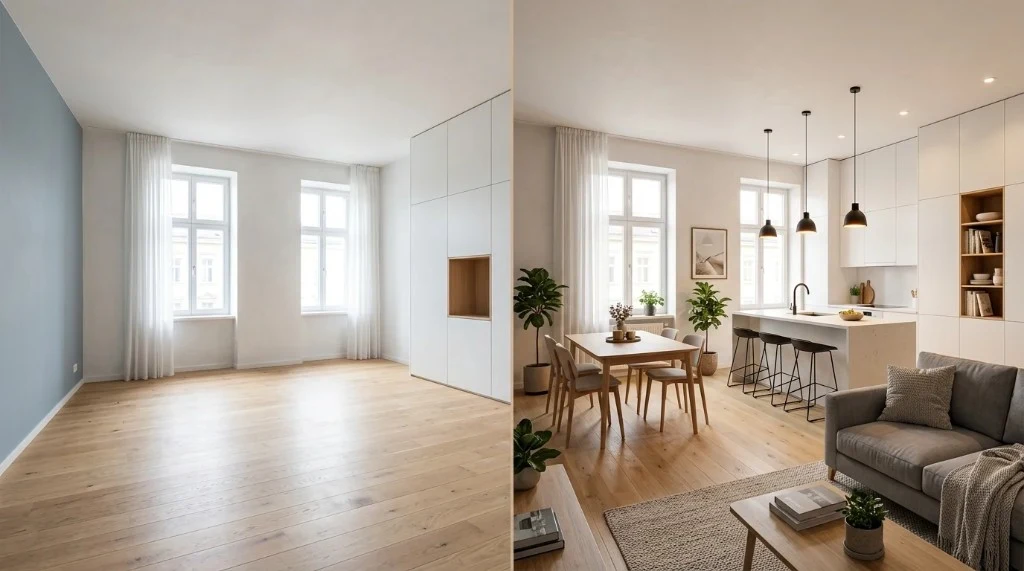
Start with a photo of your bedroom, living room, or another space you want to redesign. Use your existing room as the starting point.
 AI Room Redesign
Upload a photo of your room and transform it into a new room design in seconds. Explore different interior styles and discover fresh ideas for your home, without hiring an interior designer.
AI room design and redesign tool that turns a single room photo into new room design concepts, helping homeowners and renters visualize new interiors before making changes.
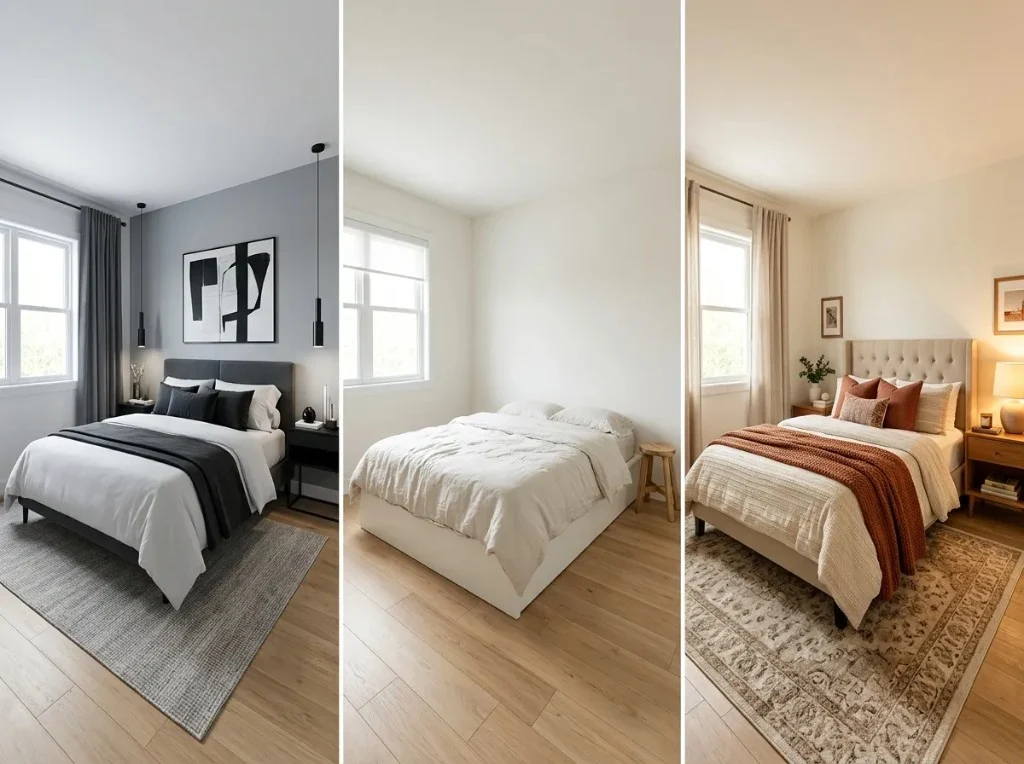
Sample directions across bedrooms, living rooms, exteriors, and gardens—pick a look, then upload your own room photo in the studio above.


Turn one room photo into design concepts you can compare, save, and share—interiors first, with exterior and garden workflows in the same tool.
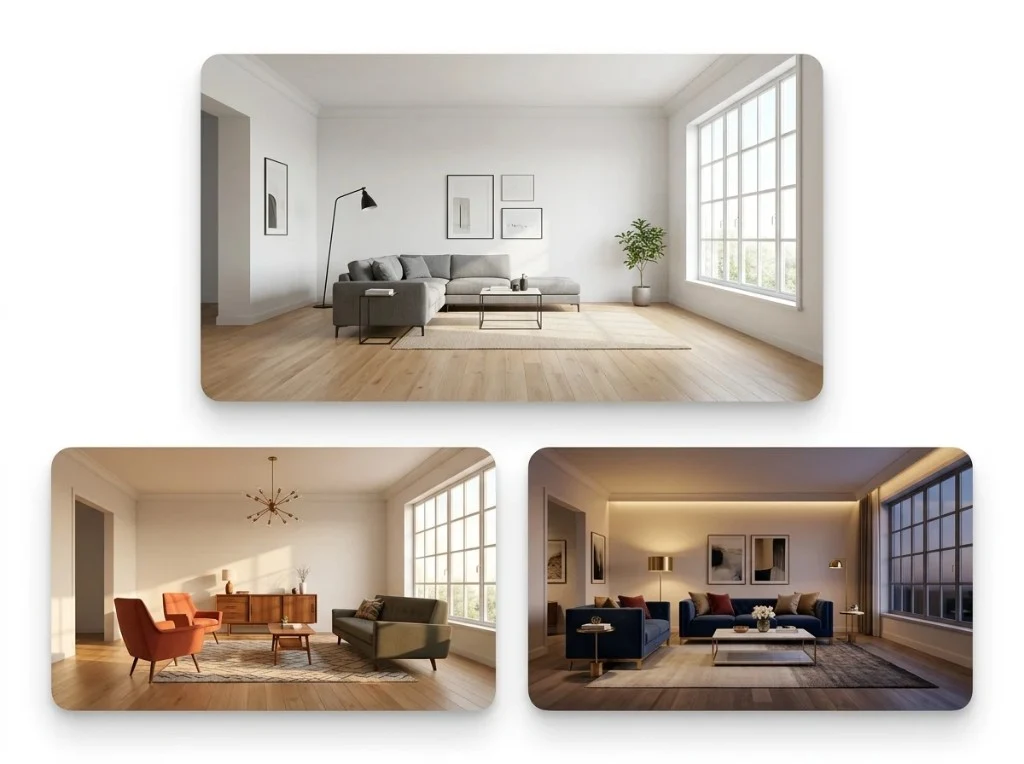
See how different design directions could change the look and feel of your room. Experiment with styles before committing to furniture, colors, or decor.
Explore design styles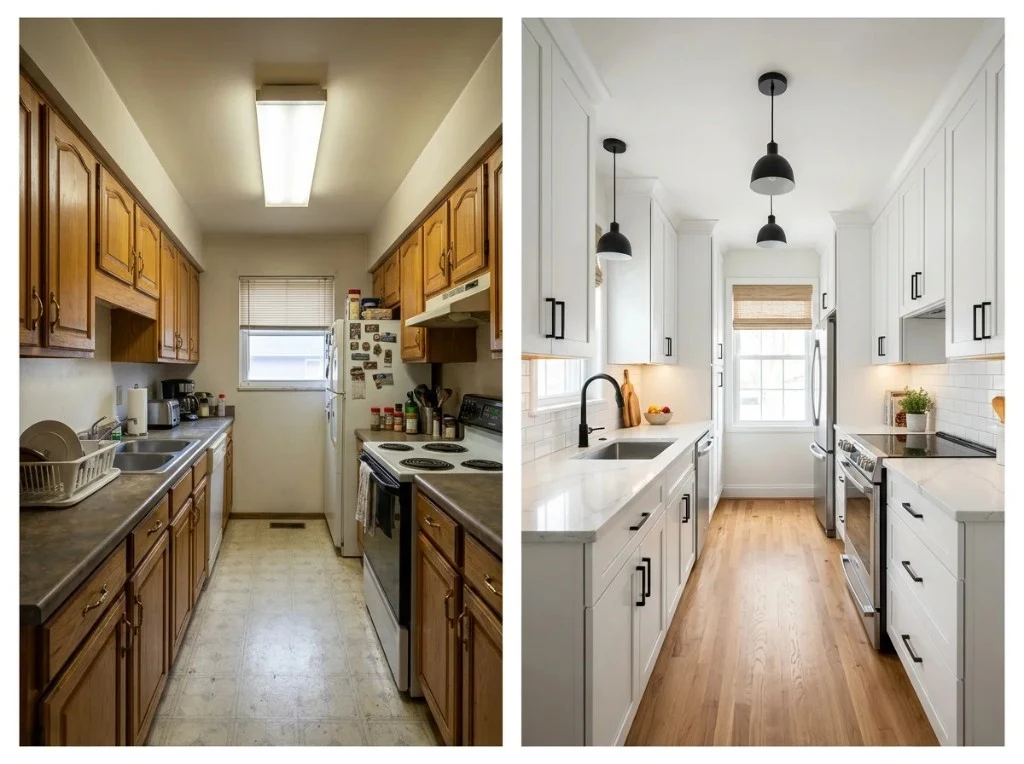
Use AI-generated room concepts as a starting point for exploring possibilities before shopping for furniture or planning a renovation. Generated images are visual concepts—not construction drawings.
Redesign my room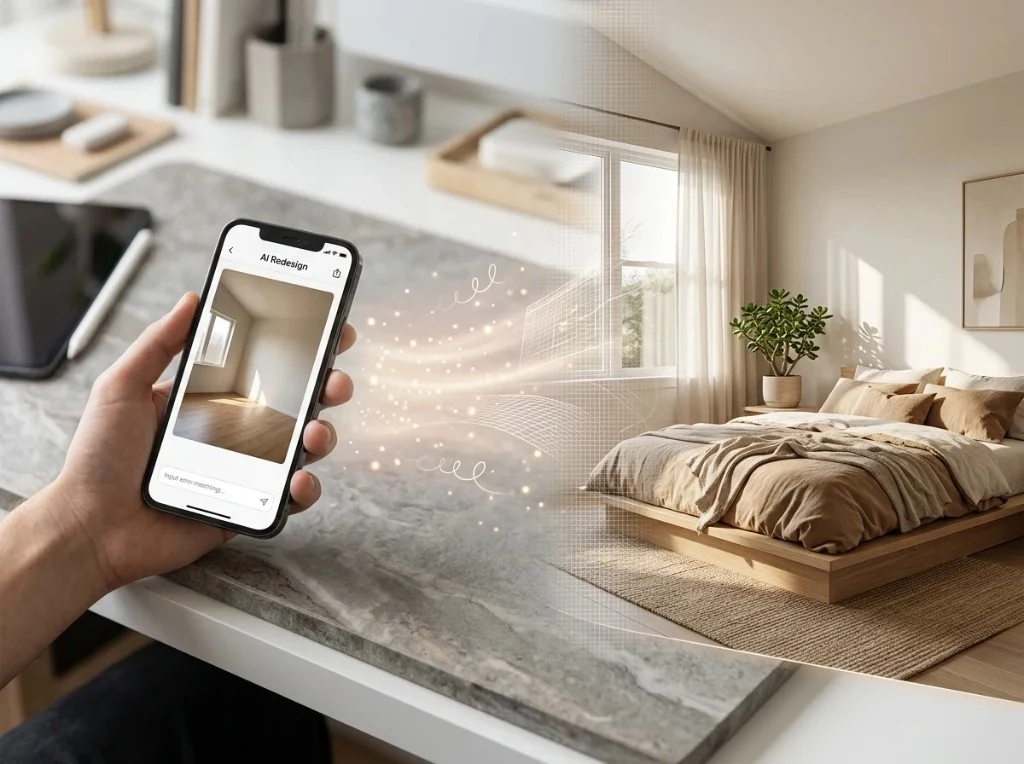
Switch to exterior or garden workflows in the same studio to explore new visual concepts for outdoor spaces, using the same upload-and-style flow as interiors.
Upload a room photoUpload a photo, choose a style, generate a new design, and download results to compare ideas.
Start with a photo of your bedroom, living room, or another space you want to redesign. Use your existing room as the starting point.
Select an interior style that matches your taste. Adjust the available room type, style, and lighting options to guide the result.
Generate a redesigned image and see a new interpretation of your space. Results depend on your photo and selected options—review each output for layout and details.
Download your result to save ideas, compare styles, or share design inspiration. Iterate with different styles until you find a direction to explore further.
Built for anyone who wants to explore room makeovers from a real photo—not only designers with pro software.

Use a photo of your actual space instead of relying only on generic inspiration images.
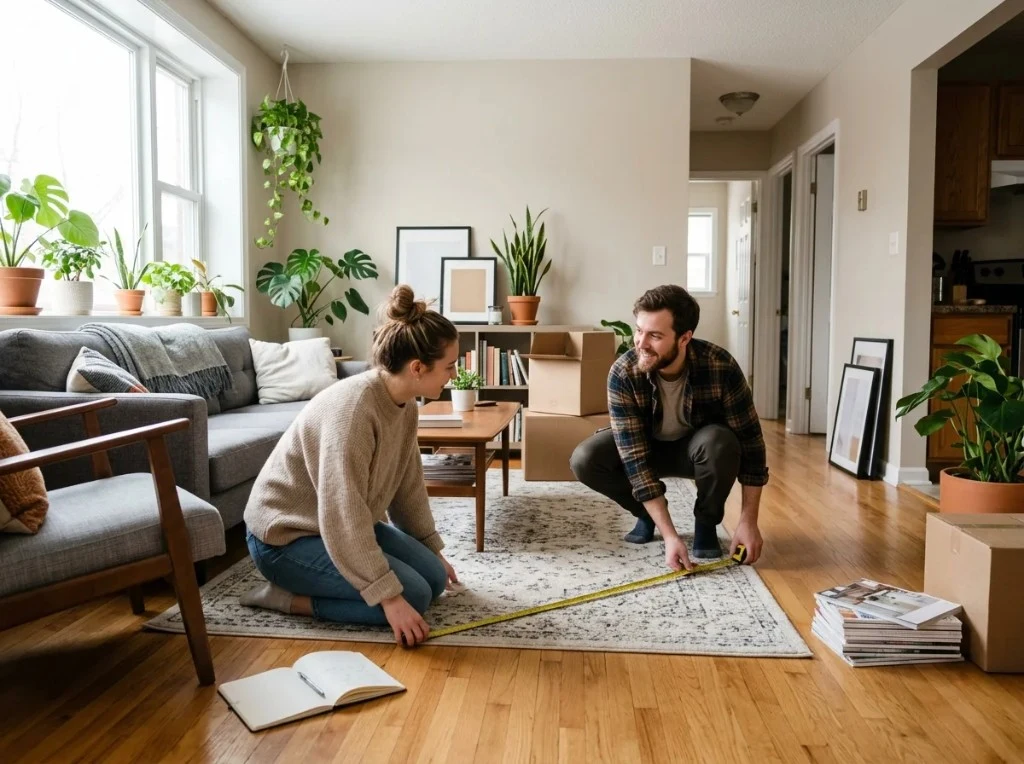
Compare visual directions before investing time or money in furniture, decor, or home improvements.
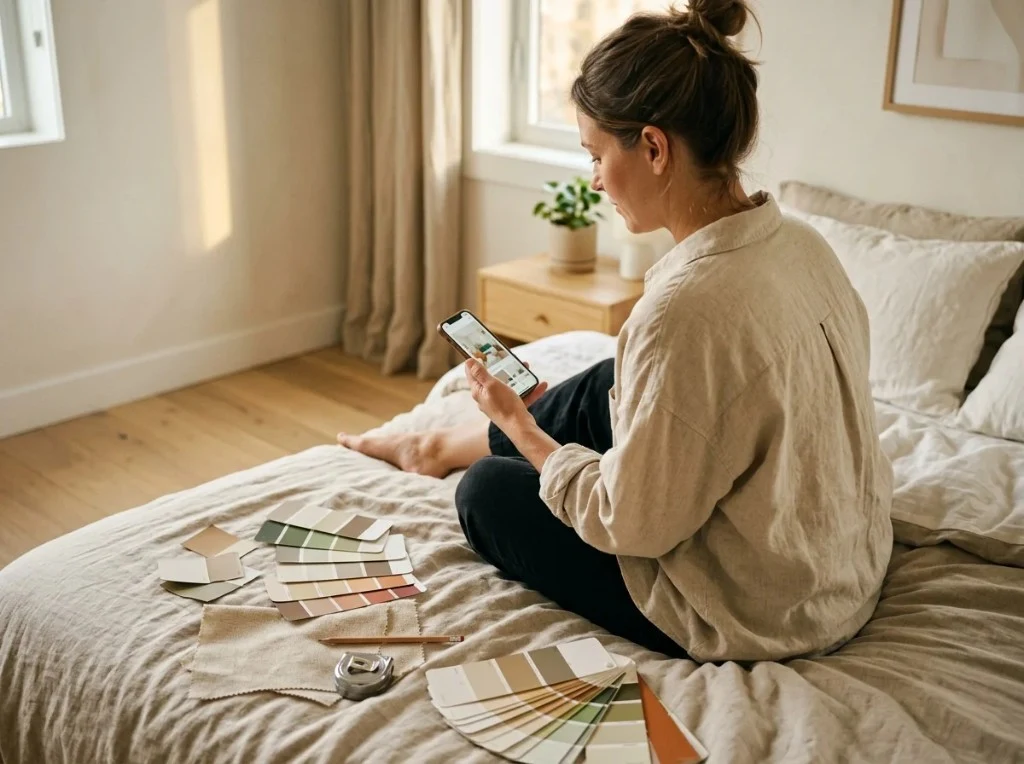
Try different looks without needing professional design software or advanced interior design skills.

Turn a design idea into a visual reference that can help you decide what you want to explore next.

Explore new ideas for your personal space, from calm and minimal interiors to warmer, more expressive styles.

Visualize alternative looks for your living room and gather inspiration for furniture, colors, lighting, and decor.
Dedicated pages for AI interior design, classrooms, ceilings, bedrooms, and bathrooms—or use the workbench above for any room type, exterior, or garden.
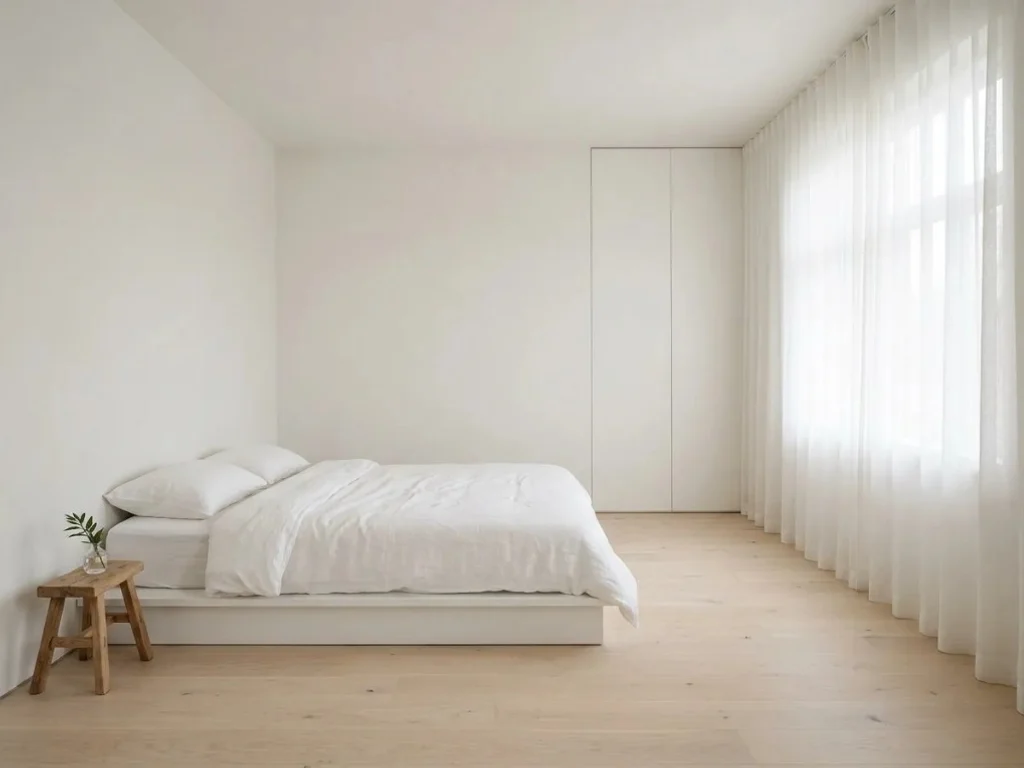
Explore living room and open-plan AI interior design ideas from your photo—compare styles before you redecorate.
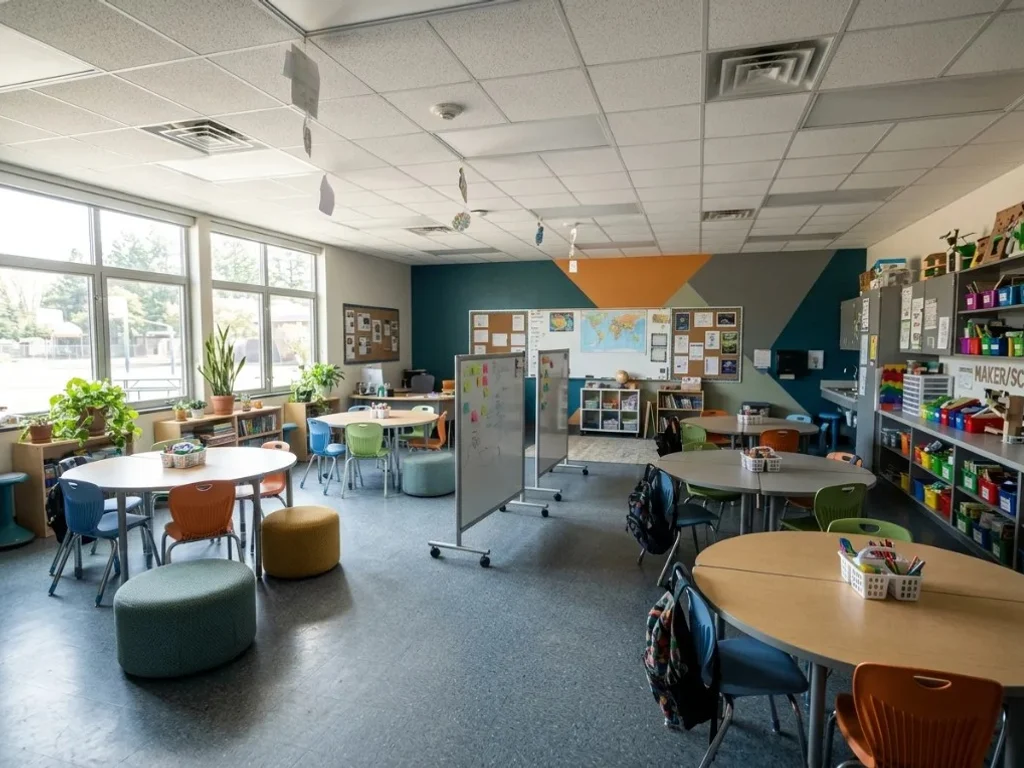
Upload a classroom photo and compare learning-space layouts and decor with AI classroom design before you refresh furniture.
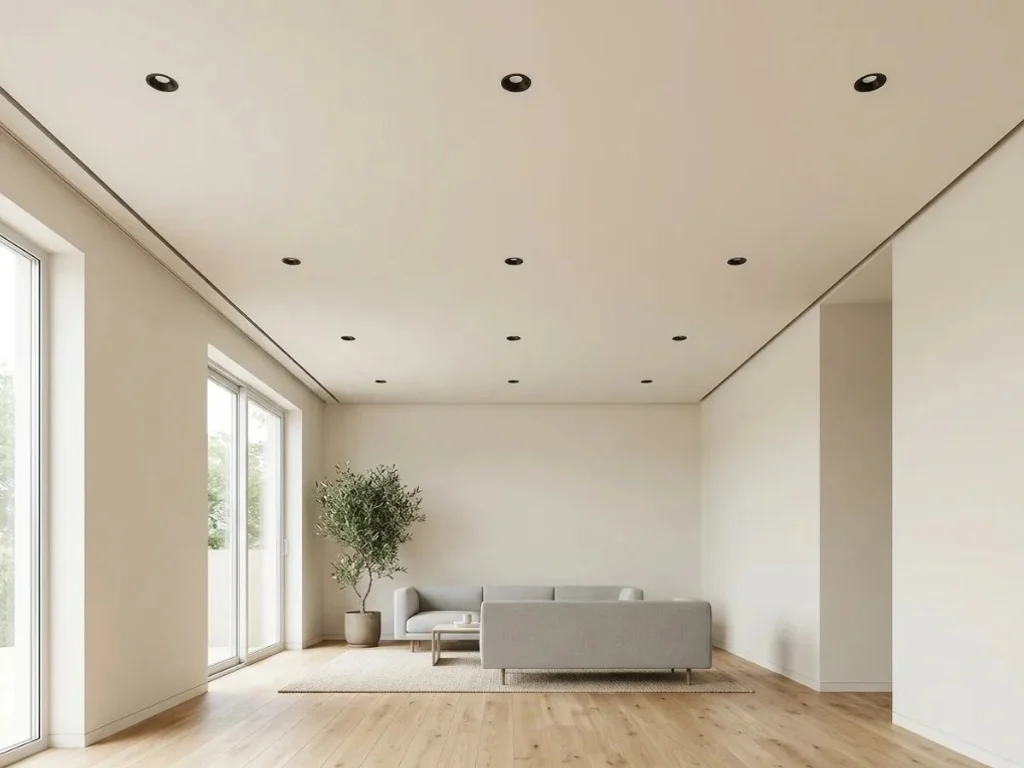
Upload a room photo with a visible ceiling and compare paint, trim, and lighting ideas before you hire painters.
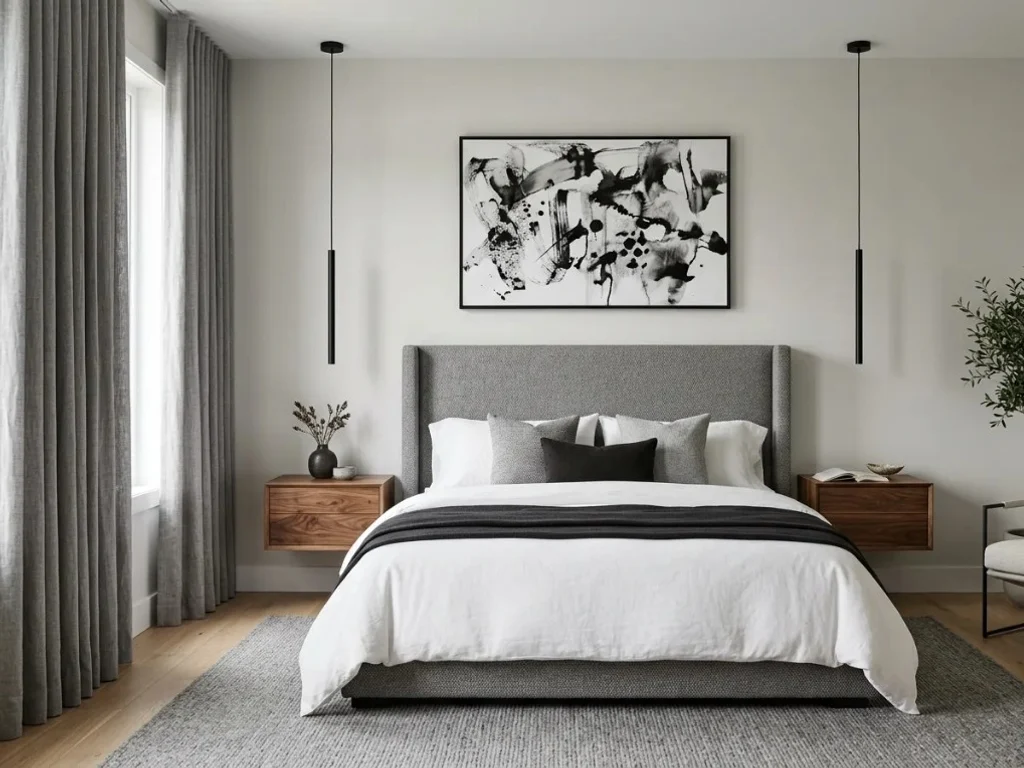
Upload a bedroom photo, preset Room Type to Bedroom, and compare styles before you buy furniture or paint.
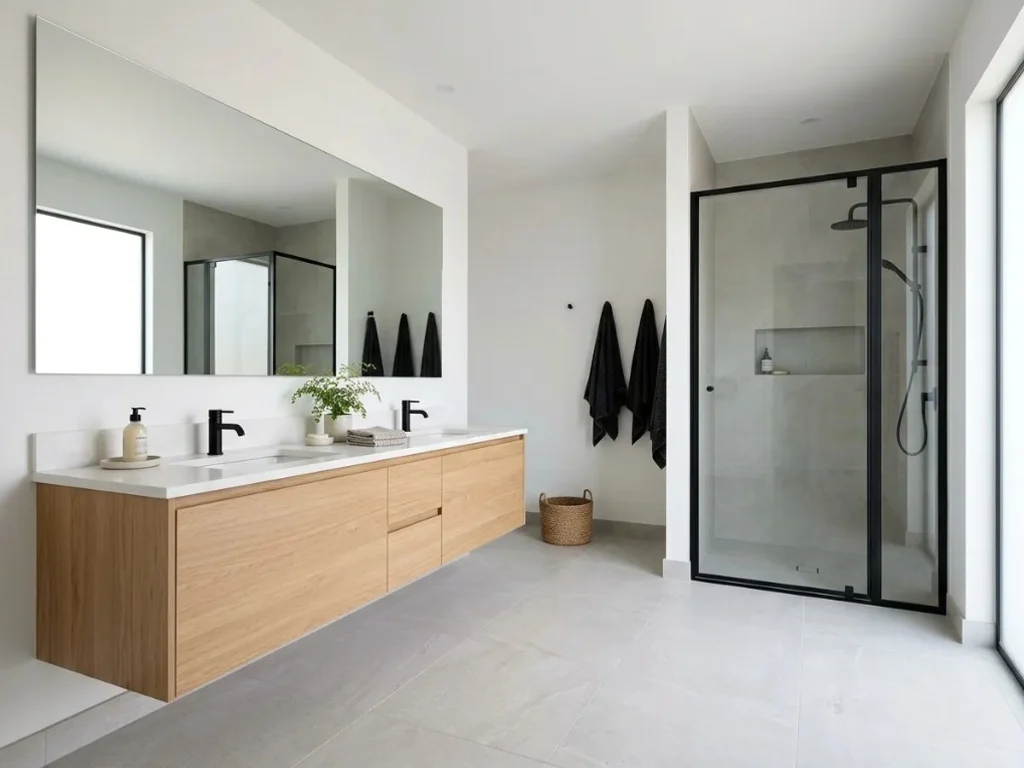
Try bathroom redesign AI on your own photo—tile, vanity, and lighting previews with Bathroom pre-selected.
Compare AI tools, pick an interior design generator, and read method notes before you upload listing or renovation photos.
Notes from people who used room-photo previews to compare styles before buying furniture or paint.
Kitchen layout we agreed on.
We uploaded our galley kitchen and compared three styles in one evening. The before-and-after slider ended the debate with my partner.
Rental-friendly planning.
I tested rug sizes and sofa colors in our apartment without buying returns. The previews saved us a weekend of shopping mistakes.
Your next room makeover can start with a single photo. Upload your space, explore different styles, and discover new ideas with AI Room Redesign.
Upload a photo · Choose a style · Generate your design
AI Room Redesign